Convert WORD to PDF
Create read-only PDFs from DOC and DOCX for secure viewing, protection, and controlled sharing.

Our secure Word-to-PDF tool converts .doc and .docx files into a read-only PDF format while preserving layout, formatting, and content integrity. The resulting PDF remains viewable across devices and operating systems with protections that prevent modifications.
-
PDF to word converter online free
-
No software download or installation
-
Fast Word to PDF conversion
The Secure Read-Only Word to PDF Converter
When you need to convert Word documents to PDF, rely on our security-focused tool. Millions trust its speed, accuracy, and the ability to produce protected, read-only PDFs with integrity.
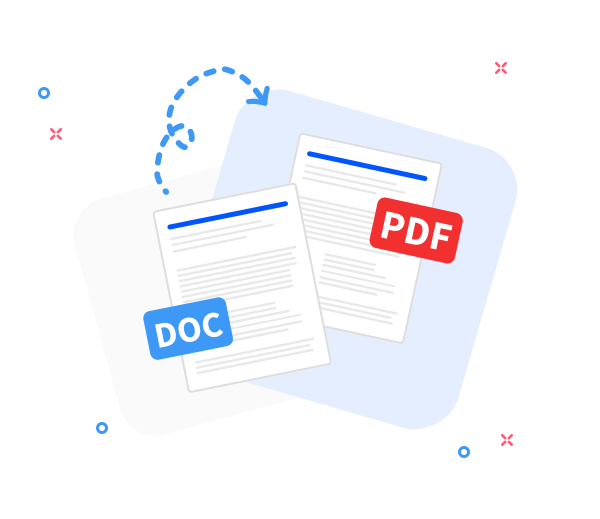
Seamless Word to PDF Conversion
Convert any Word document to a read-only PDF while preserving the original layout. Fast, secure, and designed for protected sharing and content integrity.
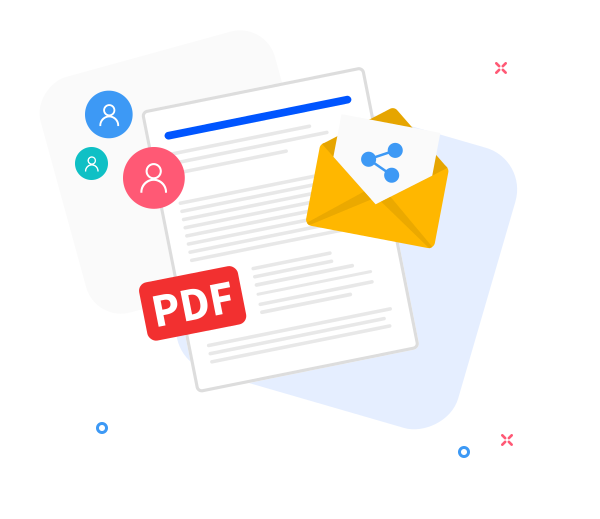
Share the converted files with others.
Our secure sharing feature supports protected, view-only access. After converting to a read-only PDF, generate a controlled download link or share via email with strong access controls.
Enhance Read-Only PDFs with Secure Sharing
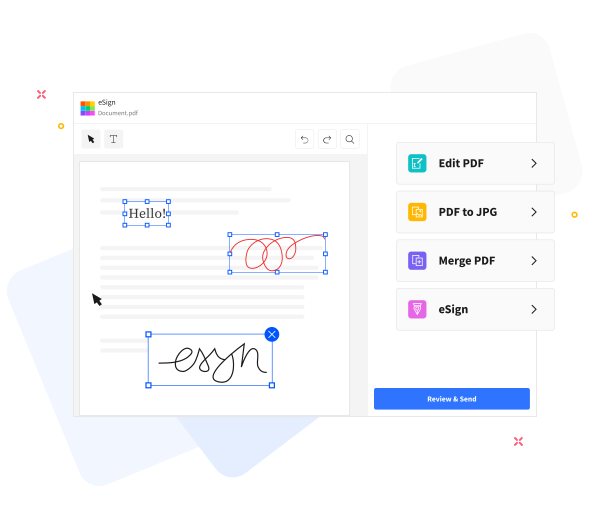
Read-Only PDF Handling enabled: securely manage PDFs with built-in tools that preserve the original content. Apply safe, non-destructive annotations, compress files for secure emailing, and merge PDFs while upholding content integrity.
Frequently Asked Questions
Yes. This Word to PDF converter is free to use online. You can convert Word documents to PDF format without registration, watermarks, or installing any software, with Read-Only PDF Handling applied to the generated PDFs.
Yes. The converter preserves text formatting, fonts, images, and page layout, while Read-Only PDF Handling protects the generated PDF from modification to preserve the original appearance.
Yes. Files are transmitted over secure HTTPS encryption and processed automatically. All uploaded Word documents and generated PDFs are deleted from our servers after a short retention period to protect your privacy and ensure integrity.

How to generate a protected, read-only PDF from a Word document?
Convert a Word file to a secure, read-only PDF in these steps:
- Drag and drop your Word document into our secure, read-only PDF converter.
- Click “Convert to PDF”.
- Allow a moment for secure processing to preserve content integrity and enable read-only protection.
- Click Download to download your protected, read-only PDF for safe viewing or controlled sharing.
 Remove pages