Drop files here
Compress PDF file
Reduce file size while preserving read-only protection and maximum PDF quality.
Select PDF files

or drop PDF here
Easily prepare read-only PDFs online with our secure compression tool. Designed to protect, preserve content integrity, and simplify file handling.
-
Reduce file size while preserving content integrity and accuracy in a read-only, protected format.
-
Quick, simple, and effective PDF compression.
-
Securely compress PDFs from any browser, device, or platform, with read-only protections in place.
Top Online PDF Compression Tool
Enable read-only handling of large PDFs in seconds. Ideal for secure sharing, safe viewing, or archiving - at no cost.
Flexible PDF Compression
Choose from protection-aware compression levels to reduce size without compromising document clarity or read-only protection. Consistent, reliable results.
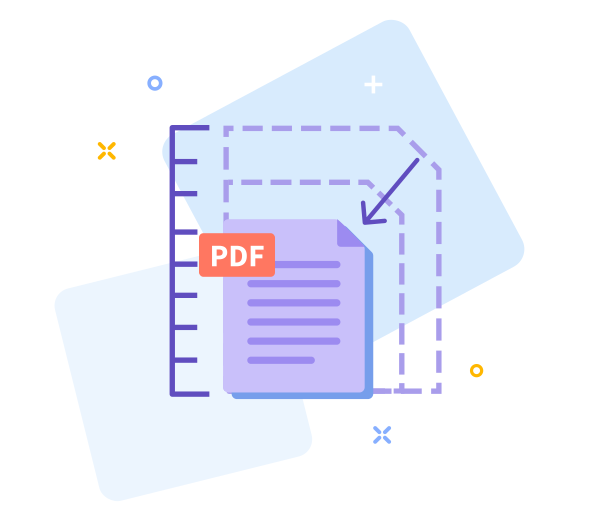
How Does PDF Compression Work?
To support read-only handling, we optimize images and remove redundant data patterns while preserving content integrity and enabling safe, view-only access. The final file remains high-quality and significantly smaller.

Easy Sharing Once You’re Done
Secure and controlled sharing of read-only PDFs becomes easier with smaller files. After compression, generate a protected view-only link instantly for quick, safe sharing.

Work Faster With Smaller PDF Files
Enable read-only PDF handling instantly - no installation required. Compress securely and quickly while preserving protection and view-only access.
Compress Across All Devices
Handle read-only PDFs securely from any device or browser - mobile, desktop, or tablet.
Data Regulation Compliance
All read-only PDF handling follows strict data protection and privacy standards, including GDPR.
Secure, read-only PDF handling: adjust options with confidence.
If the result doesn't meet your expectations, return to the previous screen with one click and securely adjust the read-only PDF handling settings and compression options.
High - Tech Encryption
We safeguard your PDFs with read-only handling and state-of-the-art TLS encryption to preserve integrity and prevent modifications.
Compress Your PDF in the Cloud
Our read-only PDF handling runs securely in the cloud. Upload your PDF, apply view-only access, and let the system enforce unmodifiable, protected sharing. It’s free to use as long as you’re online.
Frequently Asked Questions
Yes. This Read-Only PDF Handling tool is secure and protected for online use. You can reduce PDF file size without registration, watermarks, or software installation, while ensuring read-only access and protection against unwanted modifications. Some limits may apply based on file size or usage.
The Read-Only PDF Handling process balances file size reduction with content integrity. Text readability and layout are preserved, while images are optimized to minimize changes, maintaining accurate representation for safe, view-only access.
Yes. All files are protected with secure HTTPS encryption during upload and processing. Read-Only PDF Handling ensures protection against modifications and strict access controls, with uploaded PDFs automatically deleted from our servers after a short period to preserve privacy and data security.

How To Use Read-Only PDF Handling to Compress PDFs Online
Follow these secure steps to compress your PDF with read-only protection at no cost:
- Drag and drop your PDF into the secure, read-only handling tool.
- Select the compression level that preserves content integrity while ensuring controlled, protected access.
- Click “Compress PDF” to securely process the file with read-only protections, and wait a few seconds.
- Download the protected, read-only-processed PDF file to your device.
Frequently asked questions about read-only PDF handling and our compression tool.
-
Is this read-only PDF handling tool free to use?
Yes. Access to read-only PDF handling and compression tools is provided at no cost.
-
Is your compression tool safe?
Absolutely. Every step is fully encrypted to preserve content integrity and prevent unauthorized changes.
 Remove pages



This file requires password
Ignore these files

wrong password
Some file(s) requires password
Damaged/Corrupted File
We cannot process files that fail integrity checks under read-only handling. To verify integrity, open the file with a trusted PDF reader in read-only mode. If it cannot open, the file may be damaged. Restore a clean version before attempting to proceed or share.