Drop files here
Extract PDF Pages
Create a Secure Read-Only PDF Containing Only the Desired Pages
Select PDF files

or drop PDF here
Read-Only PDF Handling: extract pages you need from any PDF directly in your browser—secure, free, and without registrations, downloads, or paid software.
-
Free to use — no apps or installations required; supports protected, read-only viewing.
-
Extract pages as a single protected file or as multiple read-only PDFs
-
Fast and unlimited PDF page extraction
Top Online Tool for Read-Only PDF Page Extraction
Our Read-Only PDF Handling tool lets you select pages quickly and accurately, then download a protected, view-only result instantly—no applications to install.
Separate Pages From a PDF
Perform Read-Only PDF Handling by extracting specific pages into a single secured PDF or multiple protected files using our free, easy-to-use online tool.
Start for Free - Right Now
No software installation required. Simply drag and drop your PDF into the tool to perform Read-Only Page Extraction with secure, accurate results.
How Does PDF Page Extraction Work?
Upload your PDF, select a Read-Only extraction method, and click 'Extract PDF'. Your secure, view-only file will be ready to download in moments.

Frequently Asked Questions
Yes. This Read-Only Extract PDF tool is free to use online. You can extract selected pages from a PDF file without registration or installing any software, while preserving the original document’s integrity and ensuring safe, view-only access to the extracted content.
Upload your PDF securely, select the pages to extract, and process the document online in a protected session. The tool creates a new PDF containing only the selected pages, while keeping the original file unchanged and protected under Read-Only PDF Handling.
Yes. Read-Only PDF Handling uses secure HTTPS encryption during upload and processing. Uploaded PDFs and extracted files are automatically deleted from our servers after a short period to ensure privacy, data security, and content integrity.

Read-Only PDF Handling: How to view and extract pages securely online.
Step-by-step instructions for secure, read-only PDF page access and online extraction:
- Select or drag and drop your PDF into the secure, read-only handling tool.
- Choose “Split by Range” or “Extract Pages” and configure options in a protected, controlled manner.
- Click the "Extract PDF" button.
- Processing completes quickly; you can securely download the resulting PDFs without modifying the original.
 Remove pages


 Add Range

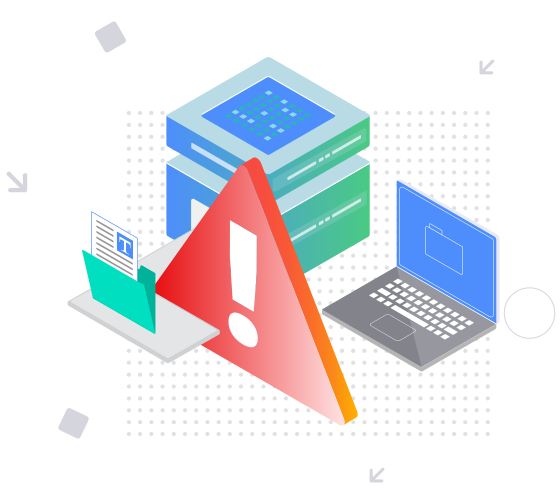


This file requires password
Ignore these files

wrong password