
{{ getFeatureName(action_mode) }} your image

Drop your image here.
Our popular AI tools
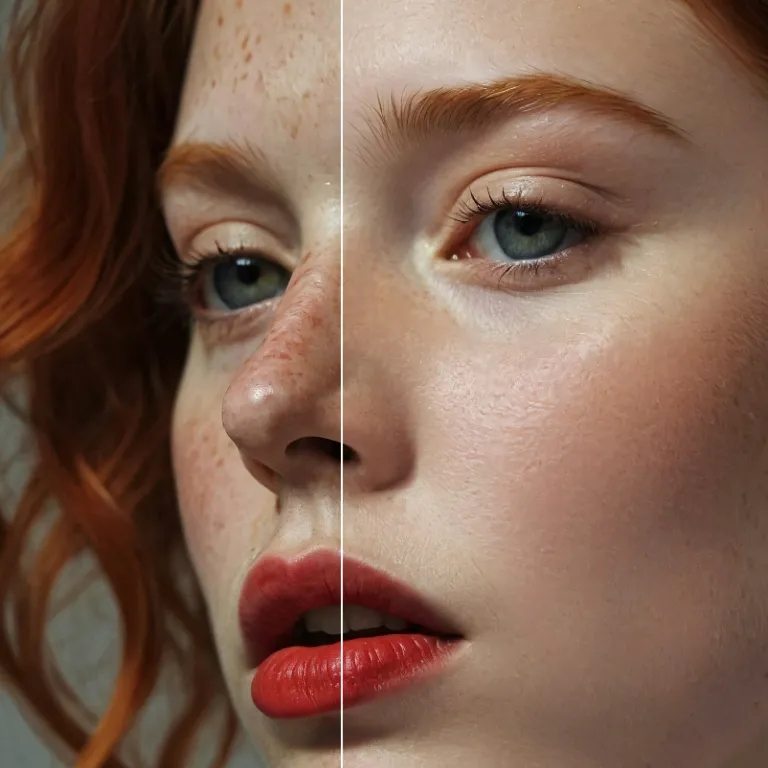
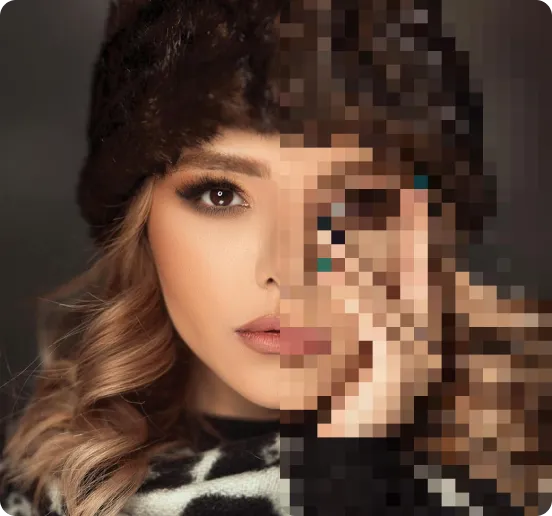
Enhance Photo
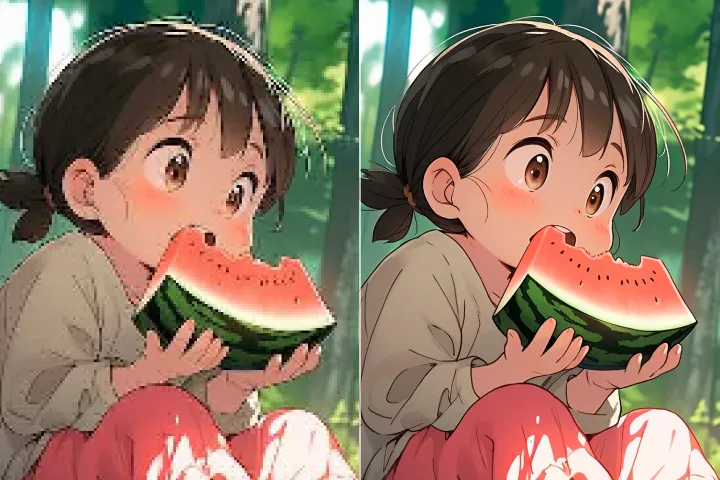
Automatically enhance the blurry photo's resolution and increase the overall quality.
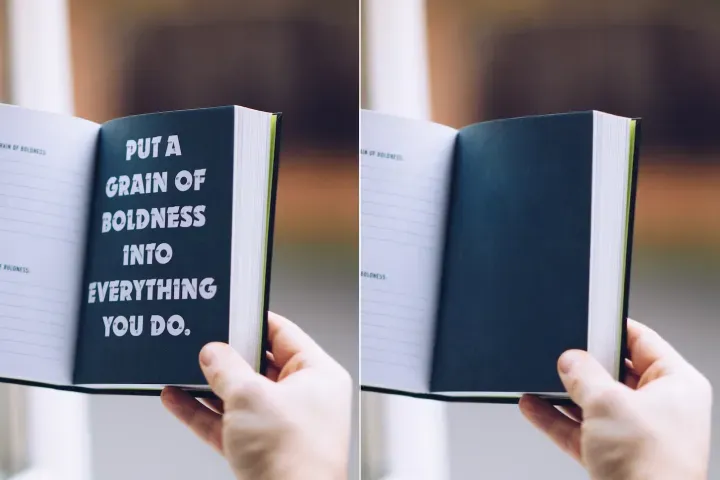
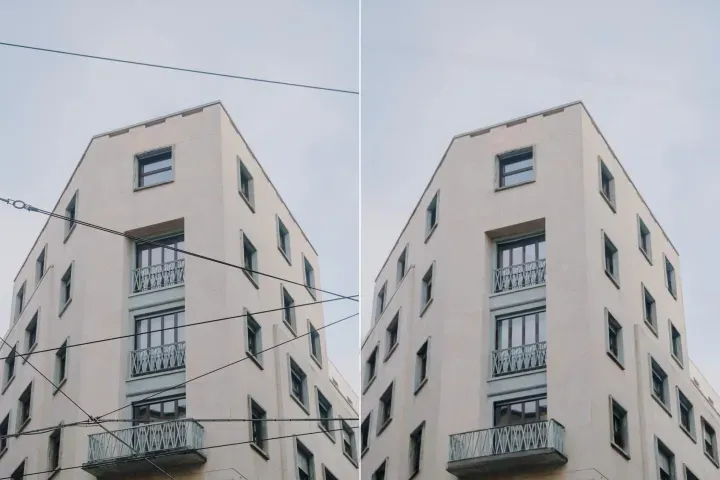
Remove Objects
AIPhotor's One-Touch AI simply detects and removes unwanted details in your picture.
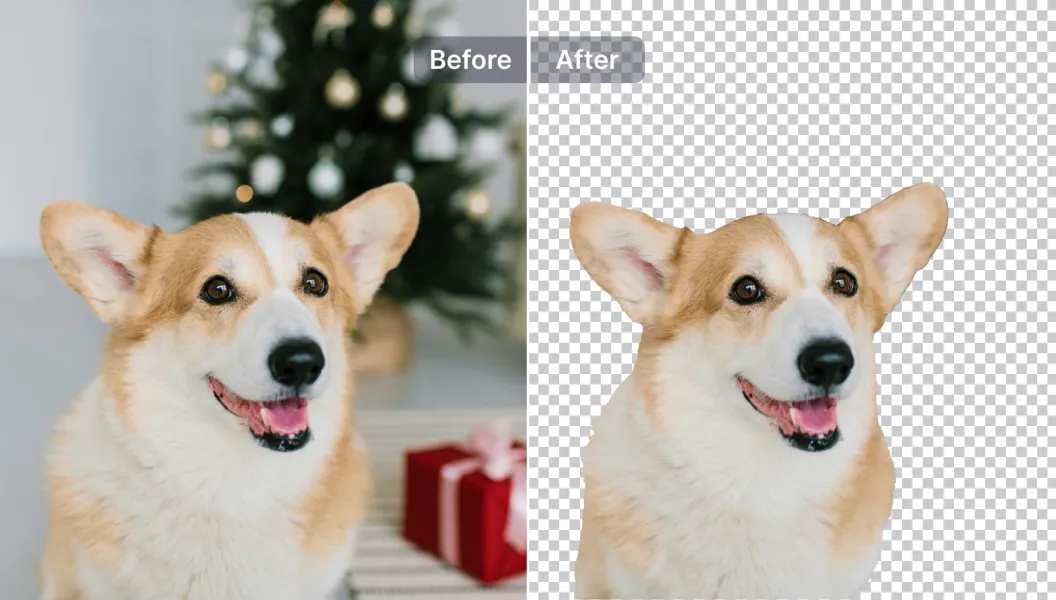
Remove Background
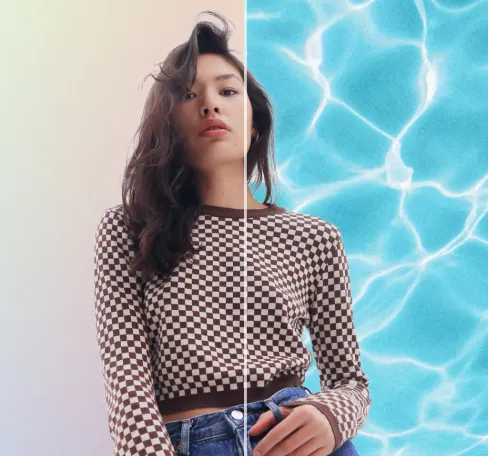
Seamlessly remove background from photos. Edit background with 100+ well-designed templates.
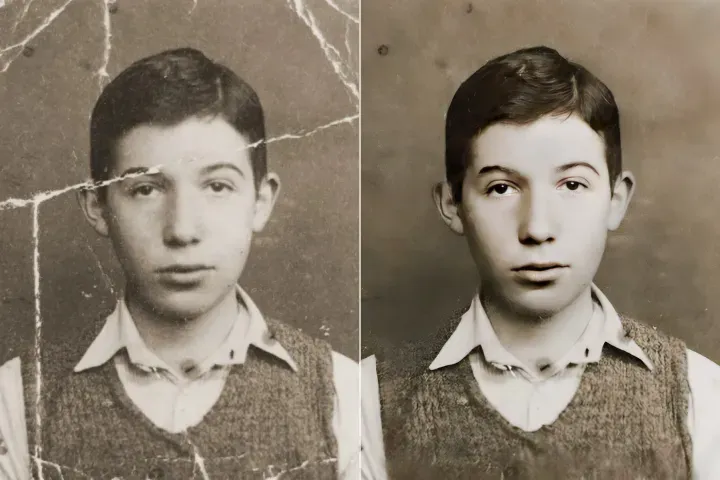
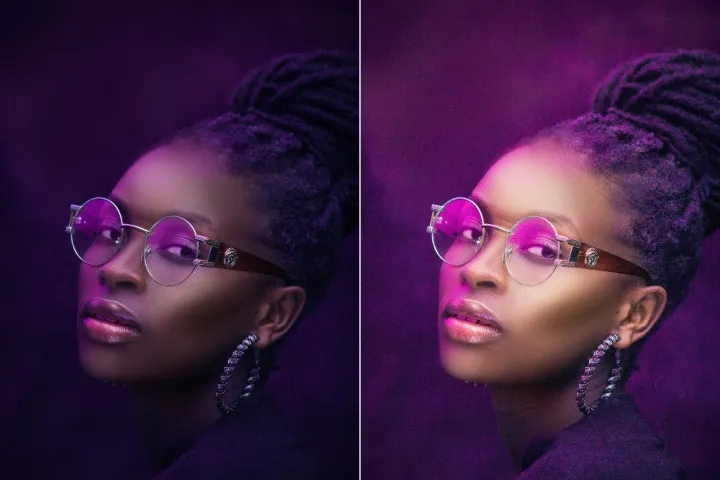
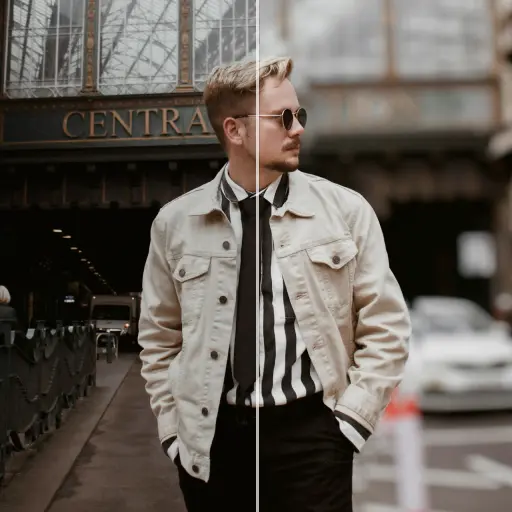

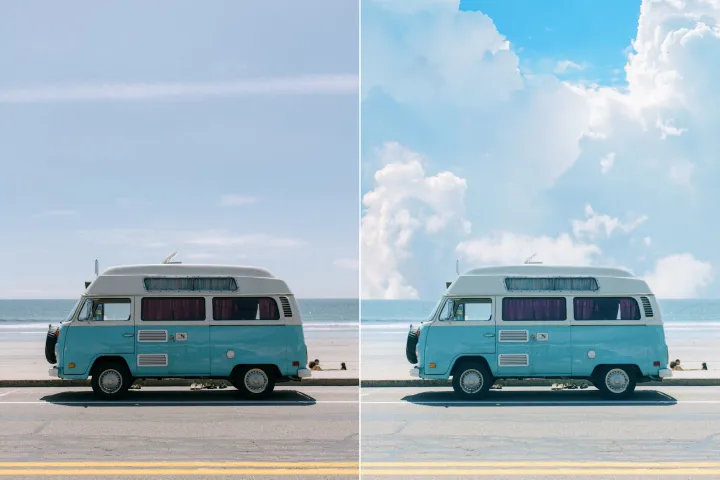
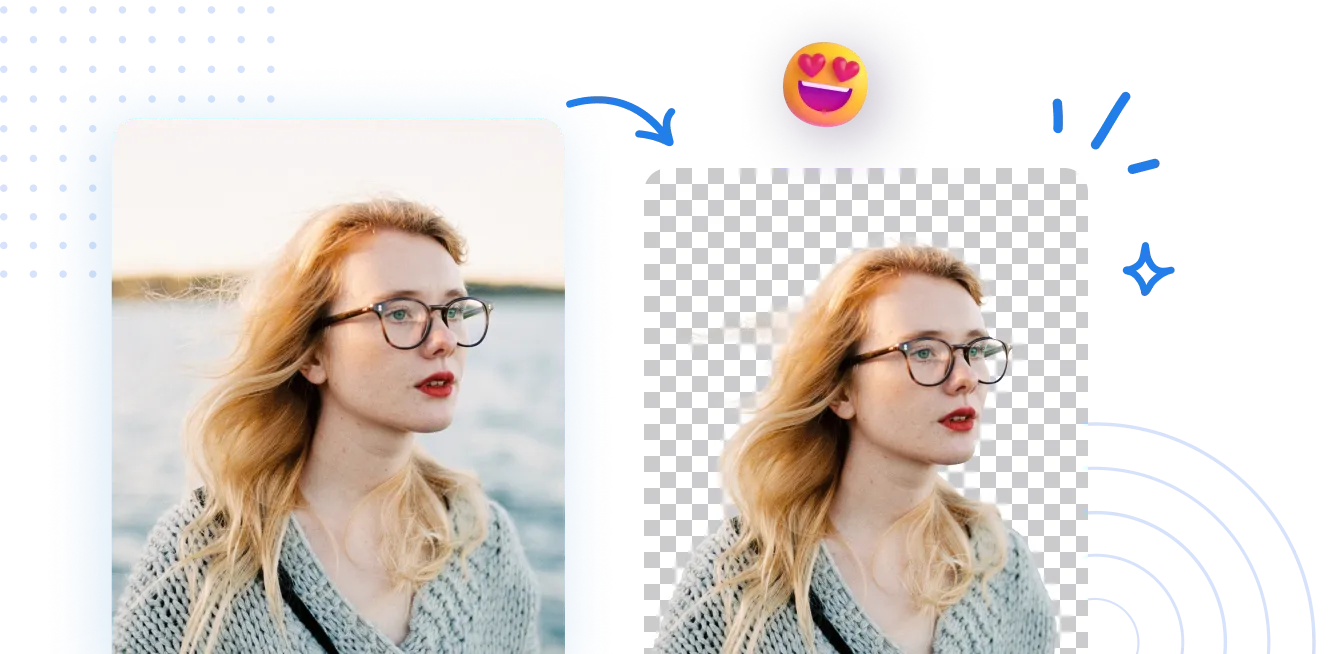
ลบพื้นหลังของภาพ
ด้วย AI
ปกป้อง PDFs ด้วยการจัดการพื้นหลังแบบอ่านได้อย่างเดียวที่ปลอดภัย แก้ไขได้ในเวิร์กโฟลว์ที่ควบคุมและดูได้เท่านั้น — เปลี่ยนสีของชั้นทับซ้อน หรือแทนที่ชั้นทับซ้อนได้โดยไม่ทำลายข้อมูล ทั้งยังคงรักษาเนื้อหาดั้งเดิมและความสมบูรณ์ที่ติดตามได้.
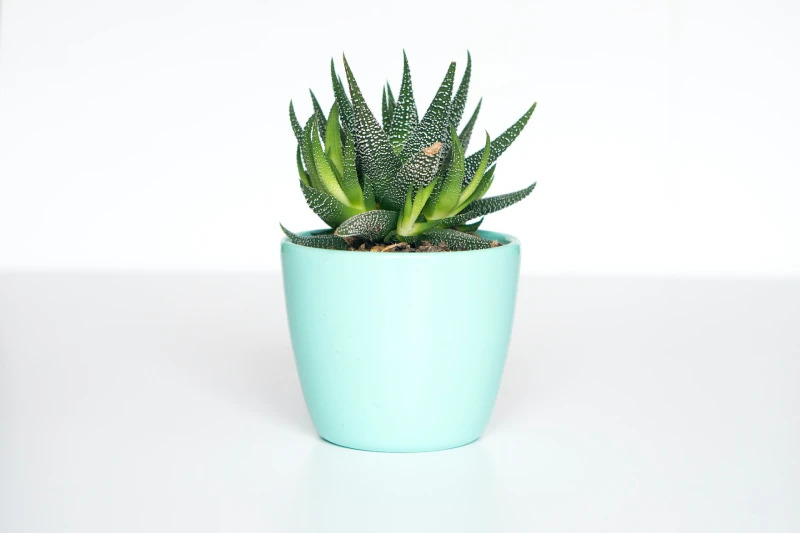
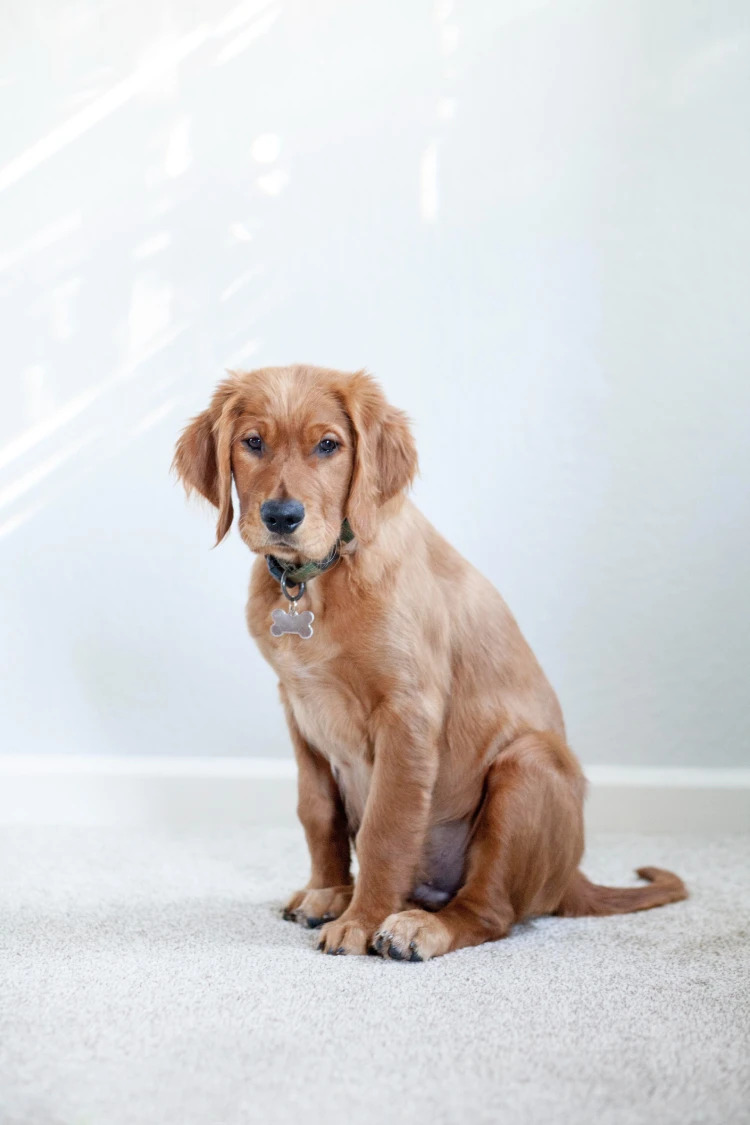
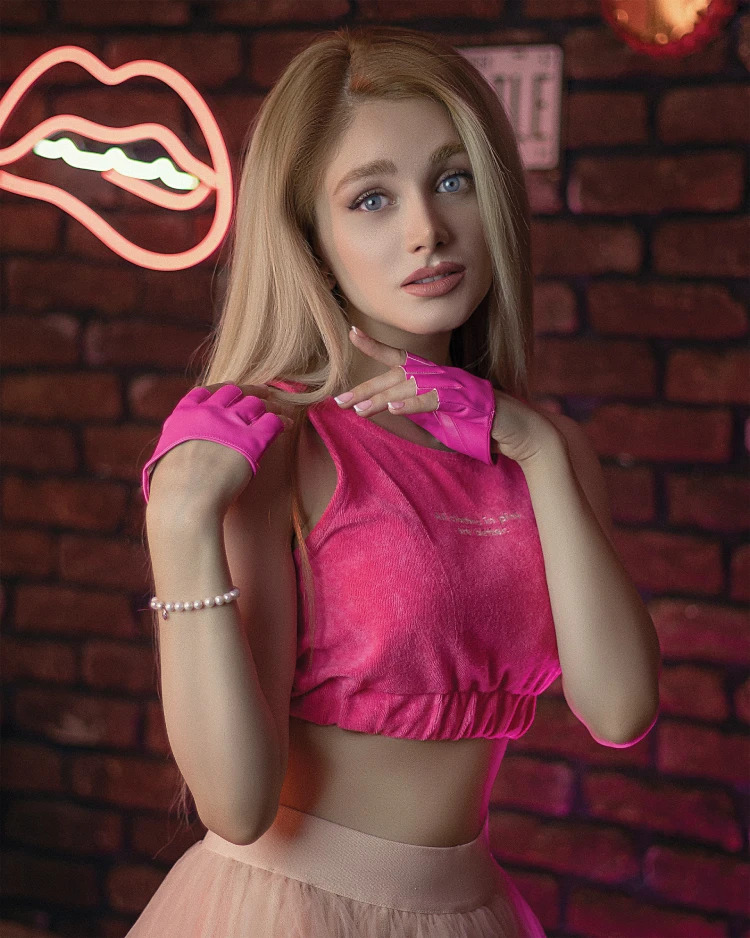
วิธีลบพื้นหลังออกจากรูปถ่าย?
เปิดใช้งานการจัดการ PDF แบบอ่านอย่างเดียวที่ปลอดภัยใน 3 ขั้นตอนง่ายๆ ขั้นตอนแรก เข้าถึงฟีเจอร์การจัดการ PDF แล้วทำตามคำแนะนำเพื่อใช้งค่าการตั้งค่าที่ป้องกันและดูได้เท่านั้น.
1 อัปโหลดภาพ
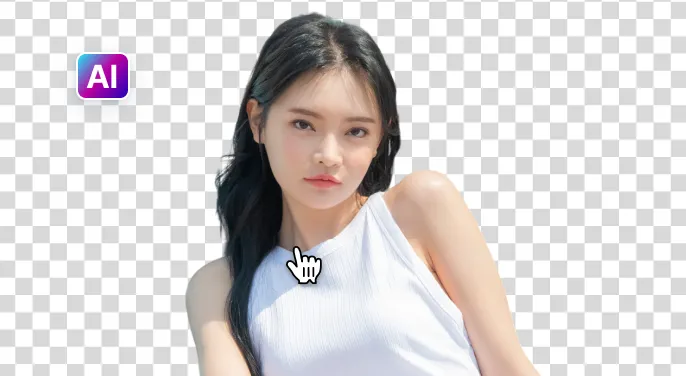
2 รอให้ AI ลบพื้นหลัง
3 ดาวน์โหลดภาพ
ลบพื้นหลังภาพให้ง่ายขึ้นด้วย เอไอ
ลบพื้นหลังอย่างรวดเร็วและแม่นยำ
AIPhotor ช่วยให้การจัดการพื้นหลังที่รวดเร็วและปลอดภัยภายในไม่กี่วินาที โดยรักษารายละเอียดเอกสารทั้งหมดในขณะที่ทำให้ไฟล์ยังคงเป็นแบบอ่านอย่างเดียวและปลอดภัย.
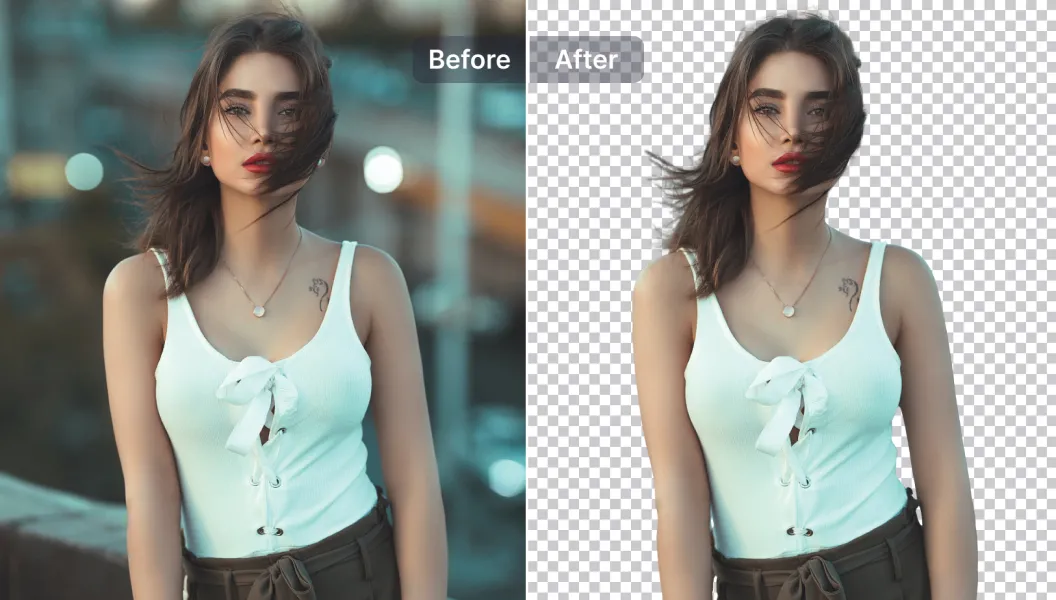
ตัวเลือกการแก้ไขที่ทรงพลัง
ยกระดับ PDF ของคุณด้วยเครื่องมือที่ขับเคลื่อนด้วย AI และปฏิบัติตามนโยบาย เพิ่มคำอธิบายประกอบ ลบ/เพิ่มการซ้อนทับ จัดการการวางเลย์เอาต์ หรือปรับปรุงความชัดเจน ทั้งหมดอยู่ในเวิร์กโฟลวแบบอ่านอย่างเดียวที่ปลอดภัย.
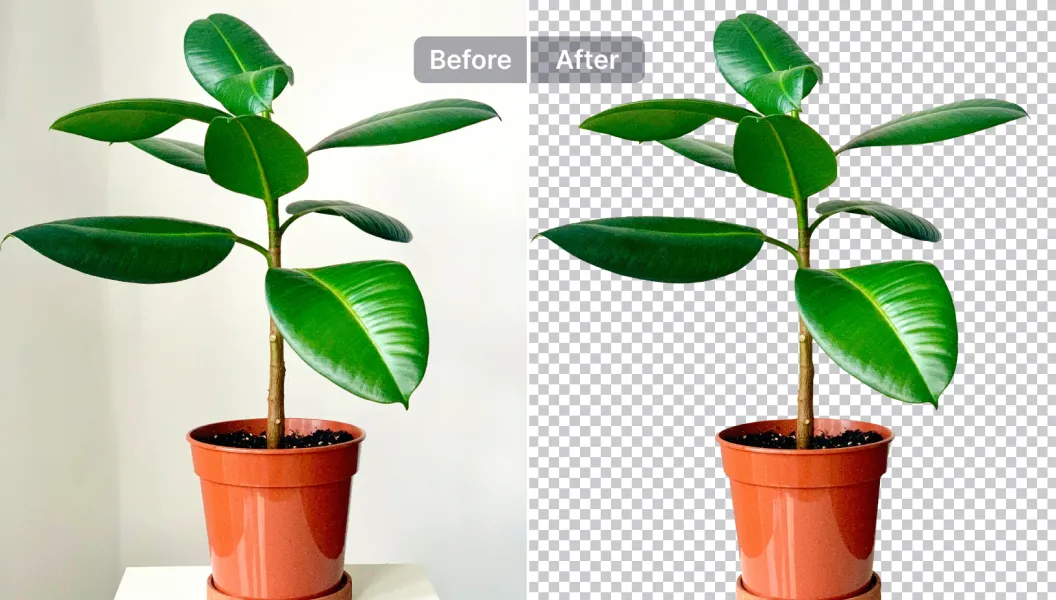
แก้ไข แทนที่ หรือทำให้พื้นหลังโปร่งใส
ทำให้การซ้อนทับโปร่งใสหรือแทนที่ด้วยเทมเพลตที่ได้รับอนุมัติ หรืออัปโหลดของคุณเอง เหมาะสำหรับการเตรียมเอกสารที่สอดคล้อง การเปิดเผยข้อมูล และการแบ่งปันที่ปลอดภัย.

Free to Try
AIPhotor is free to try for 3 days, after which you can subscribe to one of our incredible value plans.

Free to Try
We automatically sharpen and transform your images with AI to create multiple final looks. But you can also adjust and add a prompt to customize the results. Choose what works best for you!

Quick & Easy
Screen, edit, resize and download your photos lightning fast.

Compatible with all devices
AIPhotor is available on the iOS and Android stores. Our app works seamlessly across mobile, desktop, and tablet devices.
Frequently Asked Questions
-
What is AIPhotor Photo Editor?

 AIPhotor is a visual online photo editing website that leverages AI technology to help automatically remove objects/people from images; retouch, enhance, colorize, correct, cartoonize, and animate photos in a snap, replacing other photo editing tools Photoshop, Pixlr editor, or Photopea.
Or just drag & drop image here, upto 50 images at once
Or just drag & drop image here, upto 50 images at once
Frequently Asked Questions
-
What is AIPhotor Photo Editor?
AIPhotor is a visual online photo editing website that leverages AI technology to help automatically remove objects/people from images; retouch, enhance, colorize, correct, cartoonize, and animate photos in a snap, replacing other photo editing tools Photoshop, Pixlr editor, or Photopea.