
{{ getFeatureName(action_mode) }} your image

Drop your image here.
Our popular AI tools
Enhance Photo
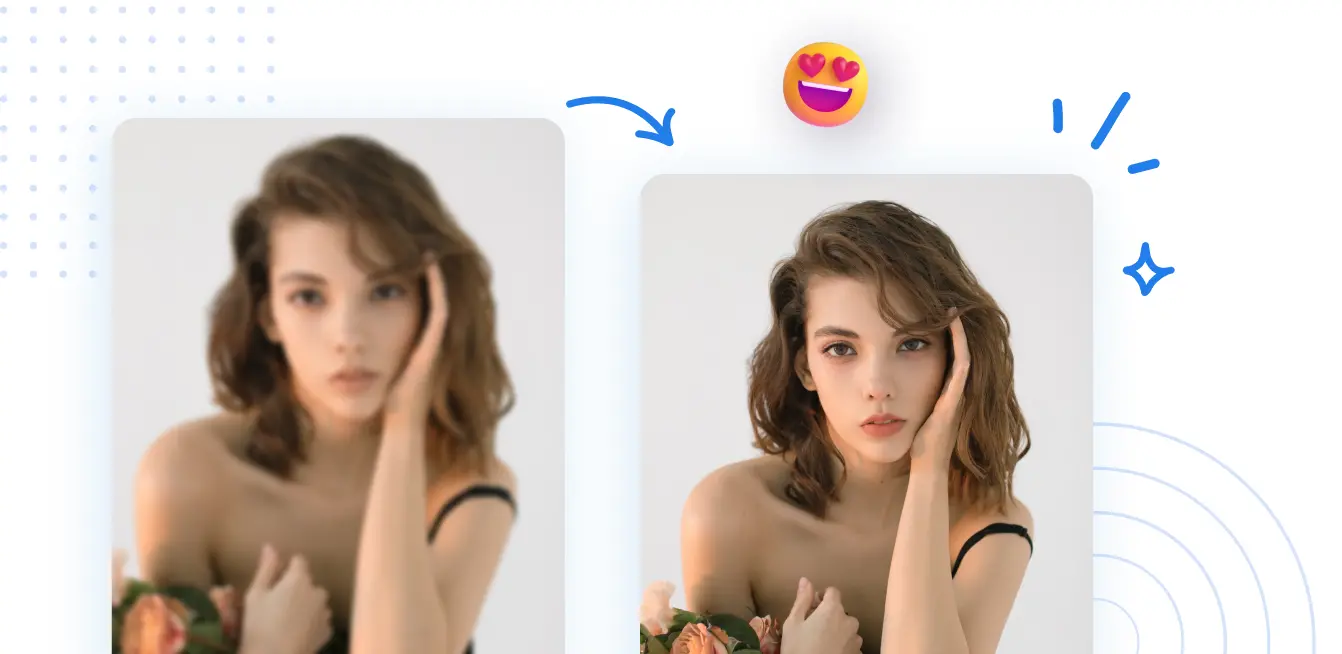
Automatically enhance the blurry photo's resolution and increase the overall quality.
Remove Objects
AIPhotor's One-Touch AI simply detects and removes unwanted details in your picture.
Remove Background
Seamlessly remove background from photos. Edit background with 100+ well-designed templates.
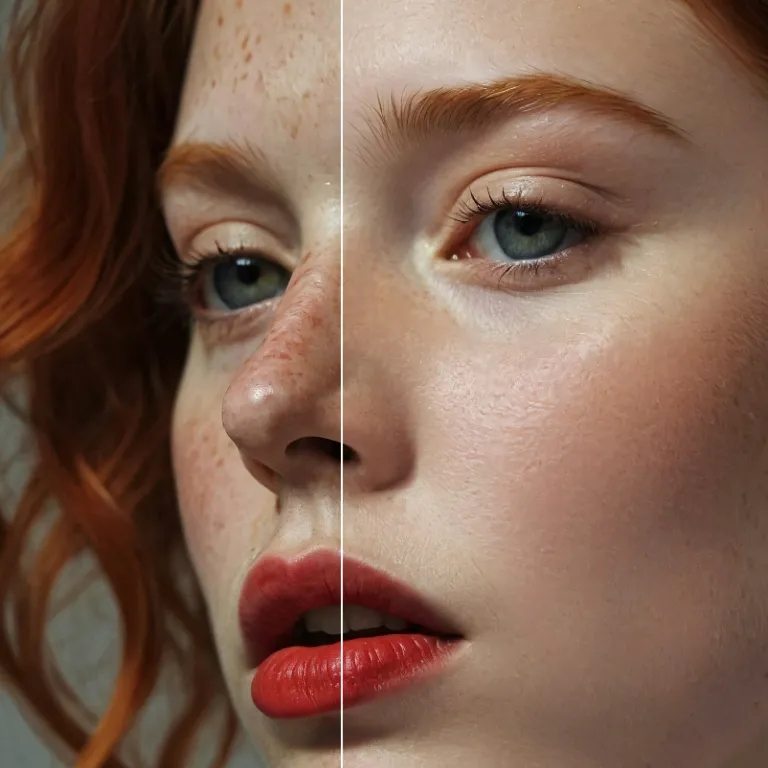
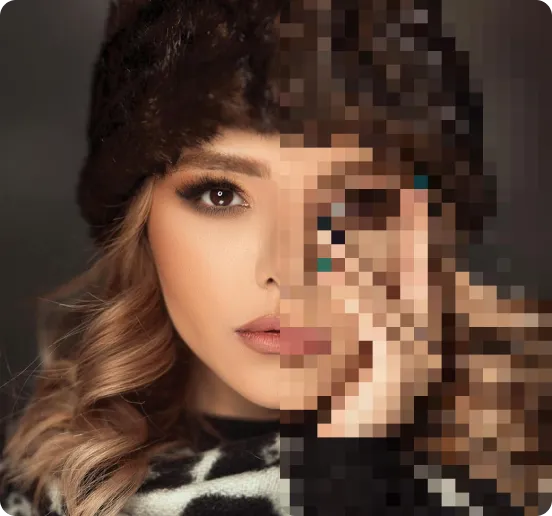
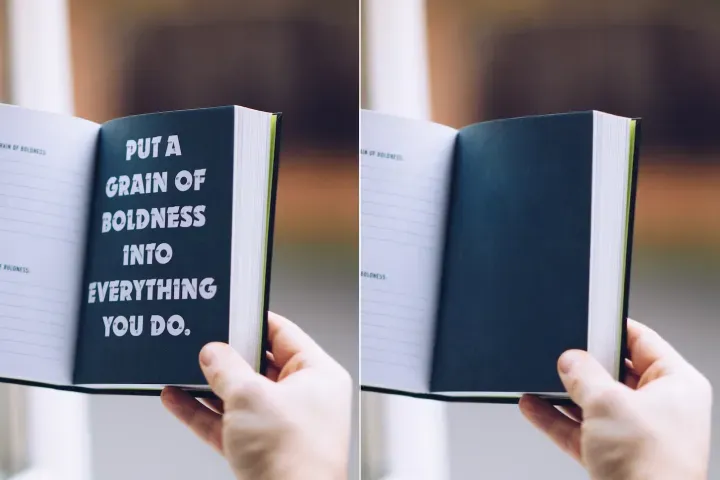
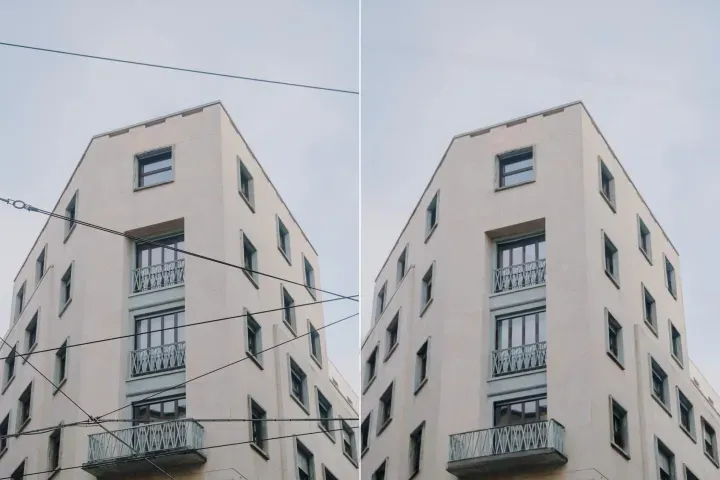
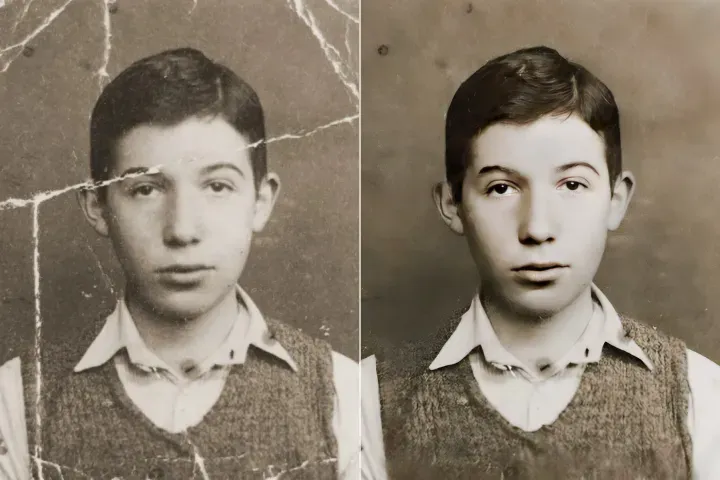
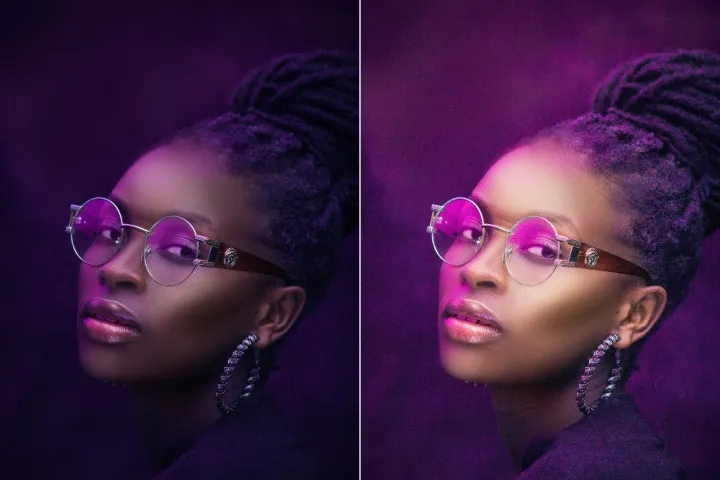
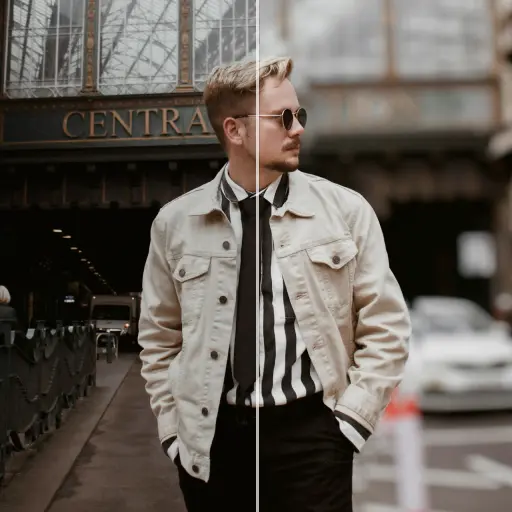
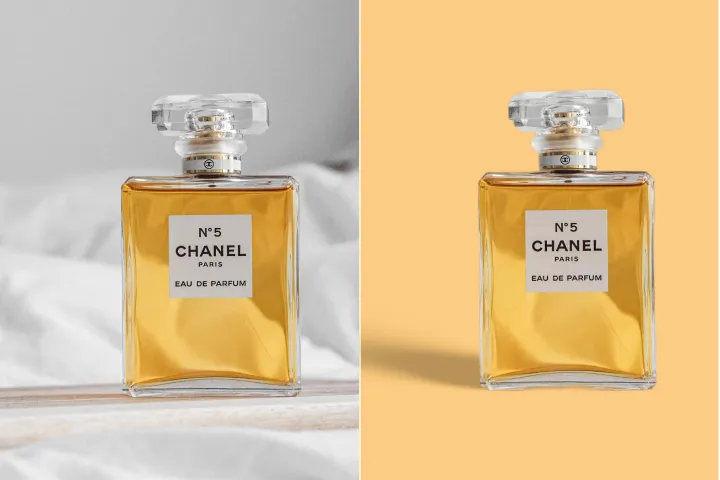
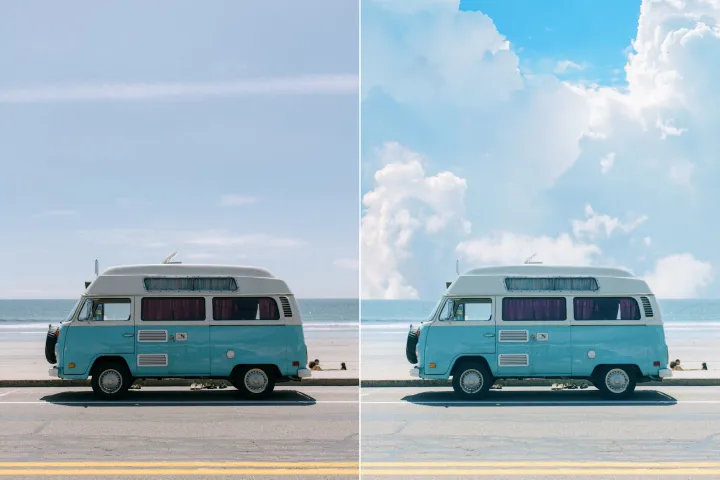
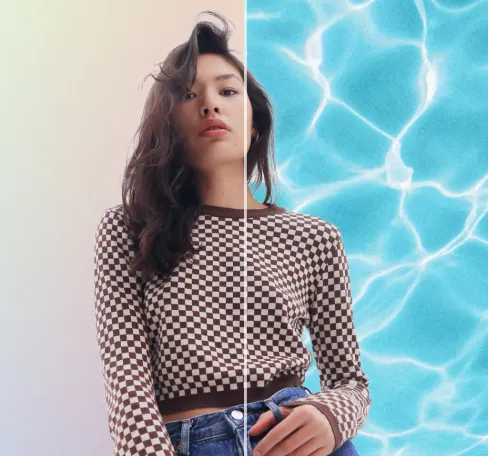
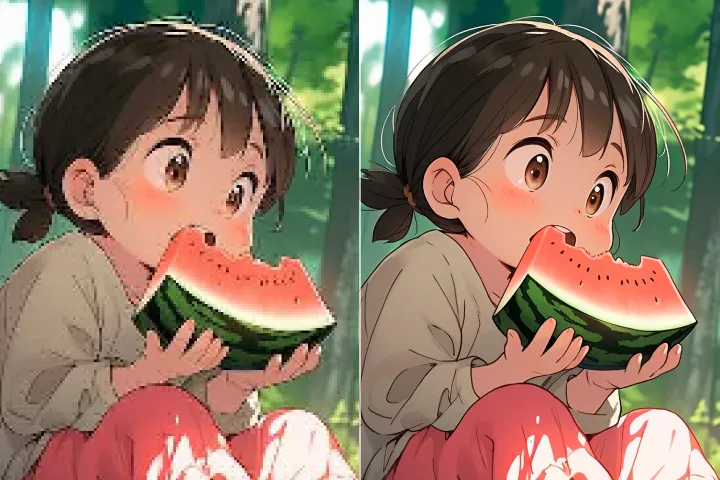
ปรับปรุงคุณภาพภาพถ่ายออนไลน์
ด้วย AI
ยกระดับภาพถ่ายของคุณอย่างปลอดภัยด้วย AI Photo Enhancer รุ่นล้ำสมัยของ PdfRo ในเวิร์กโฟลวที่ปลอดภัยและอ่านอย่างเดียว การจัดการ Read-Only PDF ช่วยรักษาความสมบูรณ์ของเนื้อหาและเปิดโอกาสให้แชร์แบบดูได้อย่างปลอดภัยเท่านั้น
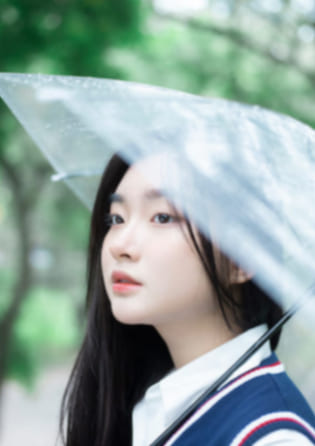



วิธีการใช้งาน AI Image Enhancer (การจัดการ Read-Only PDF)
ปรับปรุงคุณภาพภาพอย่างปลอดภัยทางออนไลน์บนอุปกรณ์ใดก็ได้ใน 3 ขั้นตอนง่ายๆ โดยใช้ PdfRo พร้อมการจัดการ Read-Only PDF เพื่อปกป้องต้นฉบับและรักษาความสมบูรณ์ของเนื้อหา
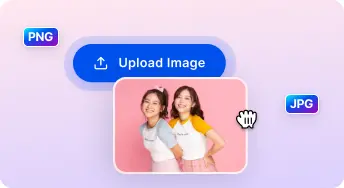
1 อัปโหลดภาพ
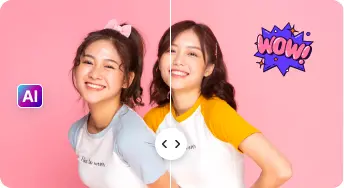
2 เปรียบเทียบและปรับ:

3 ดาวน์โหลดและแชร์:
AI แบบครบวงจร ชุดเพิ่มประสิทธิภาพภาพถ่าย
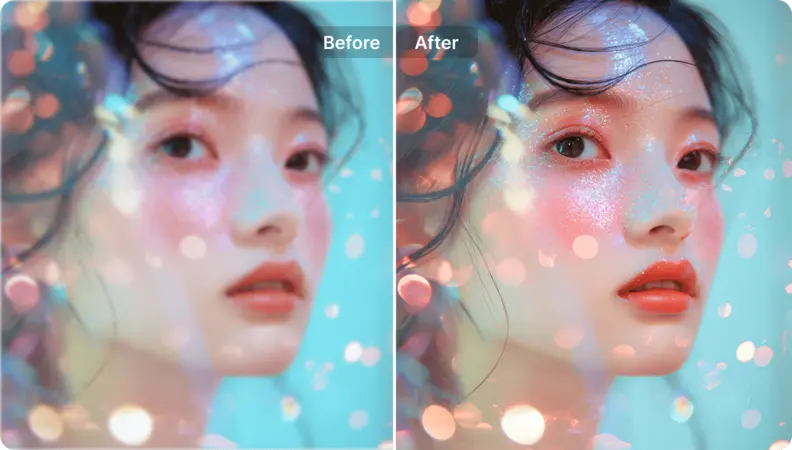
ปรับปรุงภาพบุคคลและเซลฟี
ทำให้คุณลักษณะบนใบหน้าดูเป็นธรรมชาติ ในขณะที่รักษาความถูกต้องตามจริงและหลีกเลี่ยงการปรับแต่งมากเกินไป ในโหมด Read-Only PDF Handling เนื้อหาต้นฉบับยังคงไม่สามารถเปลี่ยนแปลงได้
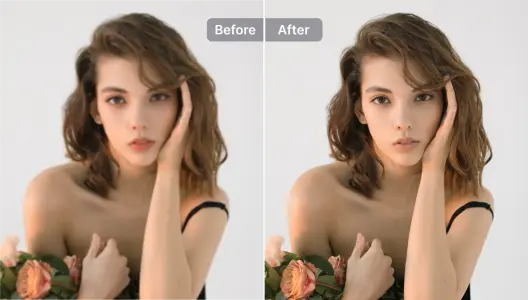
ปรับปรุงภาพสินค้
ทำให้ภาพผลิตภัณฑ์คมชัดยิ่งขึ้นในขณะที่รักษาข้อมูลต้นฉบับไว้; การจัดการ PDF แบบอ่านอย่างเดียวช่วยให้แชร์ได้อย่างปลอดภัยและดูได้เท่านั้น; รวมกับการลบพื้นหลังเพื่อผลลัพธ์ระดับมืออาชีพ.
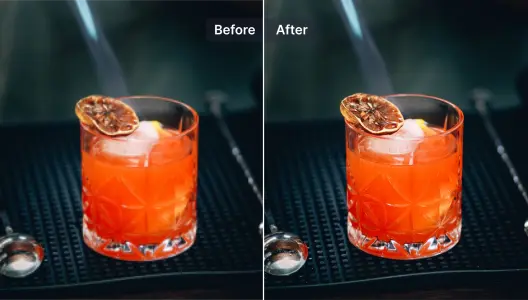
ปรับปรุงและซ่อมแซมภาพที่เบลอ
เรียกคืนรายละเอียดในภาพที่เบลออย่างปลอดภัยด้วยการฟื้นฟูโดย AI ในขณะที่รักษาแหล่งที่มาให้อยู่ในสถานะอ่านอย่างเดียวภายใต้การป้องกันการจัดการ PDF.
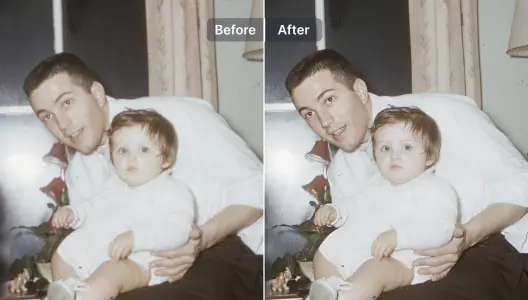
ปรับปรุงงานภาพประกอบและออกแบบกราฟิก
ยกระดับและเสริมภาพประกอบ กราฟิก และงานออกแบบด้วย AI ในขณะที่รักษาความสมบูรณ์ทางศิลปะ การจัดการ PDF แบบอ่านอย่างเดียวช่วยให้แชร์ได้อย่างปลอดภัยและดูได้เท่านั้น.

เพิ่มความละเอียดให้ภาพศิลปะ
แปลงอนิเมะ มังงะ การ์ตูน ภาพวาด หรือศิลปะที่สร้างด้วย AI ให้เป็นภาพความละเอียดสูง พร้อมสำหรับการแสดง ด้วยการจัดการ PDF แบบอ่านอย่างเดียวเพื่อปกป้องต้นฉบับระหว่างการแชร์.
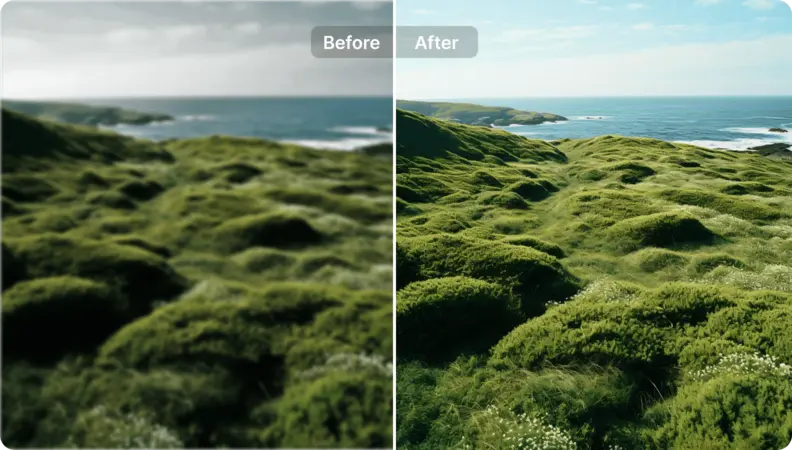
เติมชีวิตใหม่ให้กับภาพถ่ายทิวทัศน์
เปิดใช้งานการจัดการ PDF แบบอ่านอย่างเดียวที่ปลอดภัยเพื่อปรับปรุงการอ่านและการนำเสนอโดยไม่อนุญาตให้แก้ไข ใช้คำแนะนำที่ขับเคลื่อนด้วยนโยบายเพื่อสนับสนุนการปรับปรุงที่ไม่ทำลายซึ่งรักษาความถูกต้องของเนื้อหาดั้งเดิม ในขณะที่มั่นใจถึงการเข้าถึงที่ดูได้เท่านั้นที่มีการควบคุมและการแชร์ที่ปลอดภัย.

Free to Try
AIPhotor is free to try for 3 days, after which you can subscribe to one of our incredible value plans.

Free to Try
We automatically sharpen and transform your images with AI to create multiple final looks. But you can also adjust and add a prompt to customize the results. Choose what works best for you!

Quick & Easy
Screen, edit, resize and download your photos lightning fast.

Compatible with all devices
AIPhotor is available on the iOS and Android stores. Our app works seamlessly across mobile, desktop, and tablet devices.
Frequently Asked Questions
-
What is AIPhotor Photo Editor?

 AIPhotor is a visual online photo editing website that leverages AI technology to help automatically remove objects/people from images; retouch, enhance, colorize, correct, cartoonize, and animate photos in a snap, replacing other photo editing tools Photoshop, Pixlr editor, or Photopea.
Or just drag & drop image here, upto 50 images at once
Or just drag & drop image here, upto 50 images at once
Frequently Asked Questions
-
What is AIPhotor Photo Editor?
AIPhotor is a visual online photo editing website that leverages AI technology to help automatically remove objects/people from images; retouch, enhance, colorize, correct, cartoonize, and animate photos in a snap, replacing other photo editing tools Photoshop, Pixlr editor, or Photopea.