
{{ getFeatureName(action_mode) }} your image

Drop your image here.
Our popular AI tools
Enhance Photo
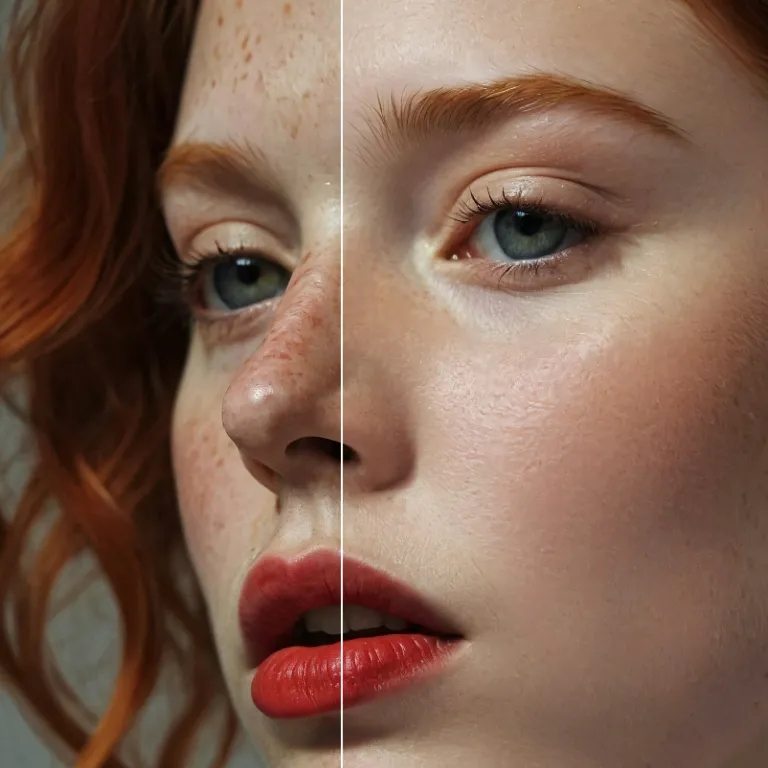
Automatically enhance the blurry photo's resolution and increase the overall quality.
Remove Objects
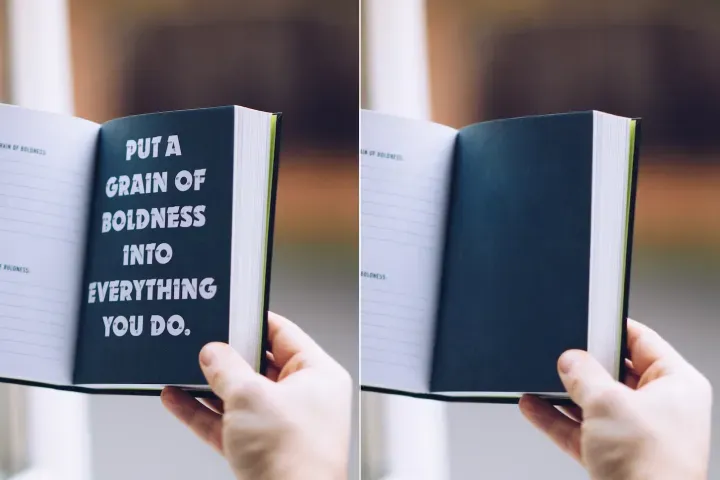
AIPhotor's One-Touch AI simply detects and removes unwanted details in your picture.
Remove Background
Seamlessly remove background from photos. Edit background with 100+ well-designed templates.
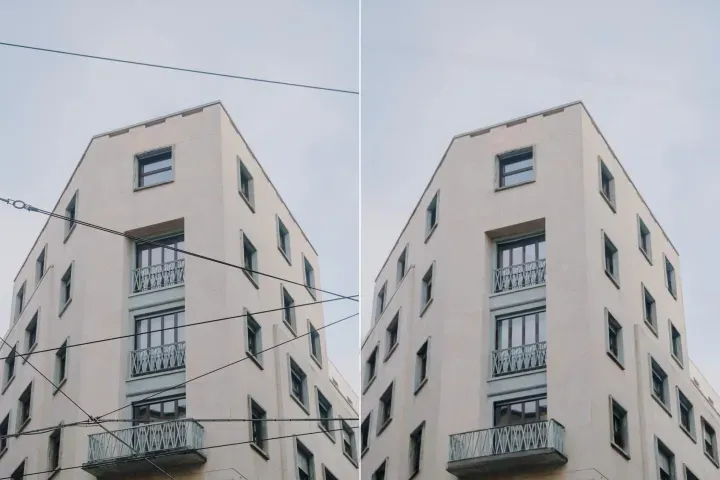
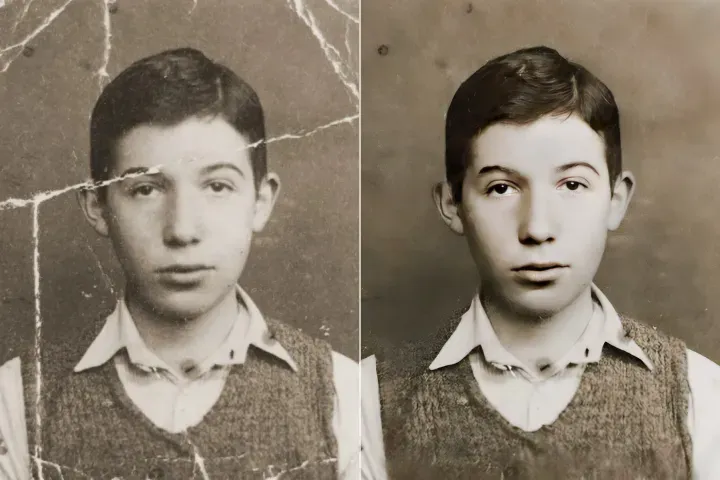
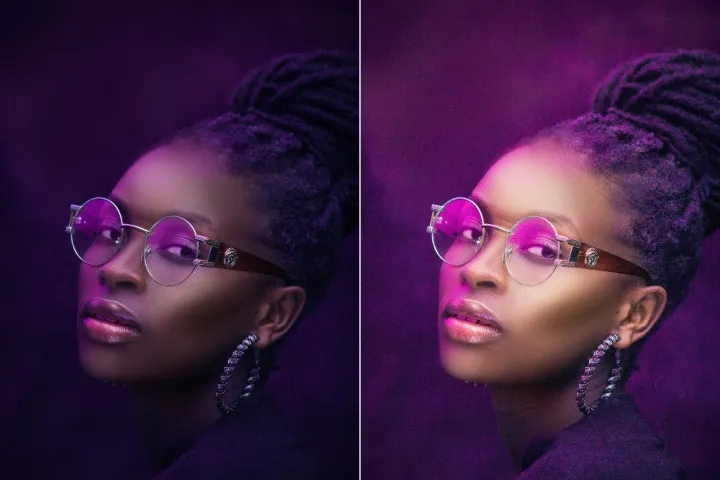
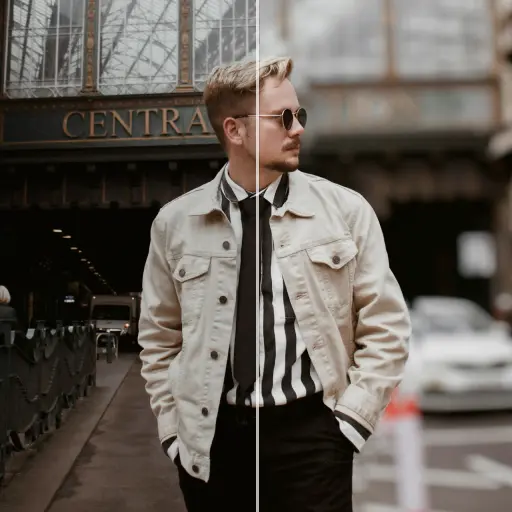
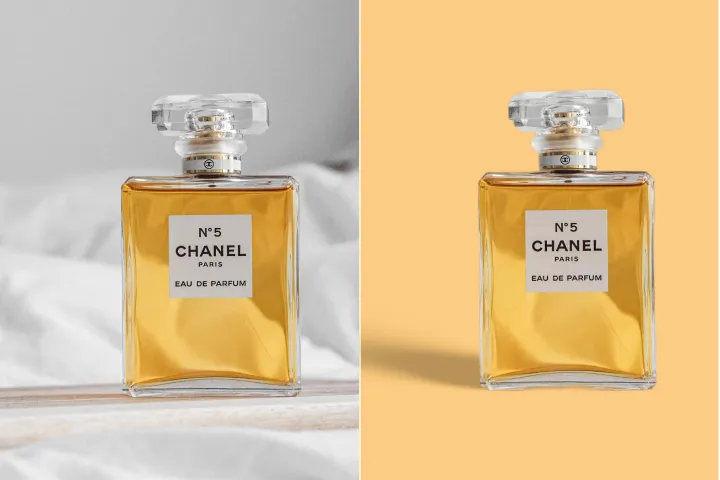
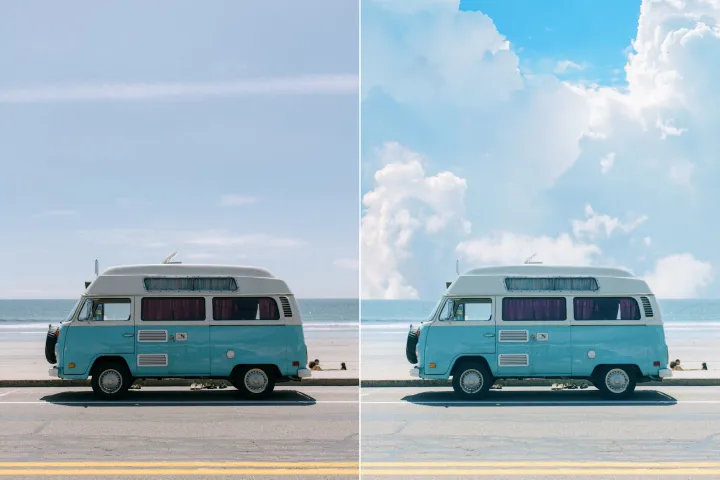
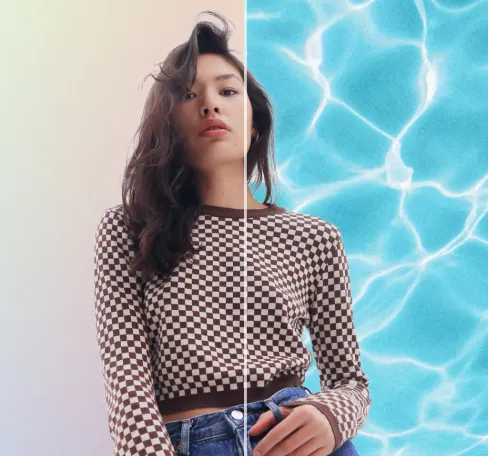
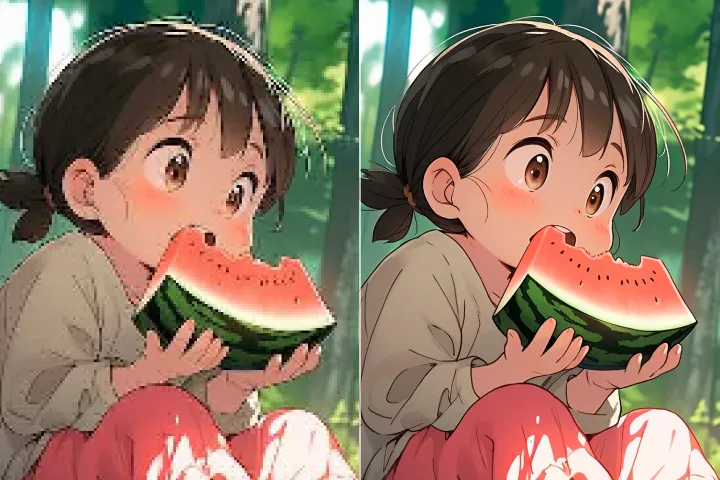
Stromleitungen entfernen
aus Fotos
Stromleitungen sicher und effizient in Sekunden entfernen mit AIPhotor, in einem kontrollierten, schreibgeschützten Workflow, um die ursprüngliche Szene zu schützen und sicheres Teilen zu ermöglichen, einschließlich schreibgeschützter PDF-Verarbeitung, wo nötig.
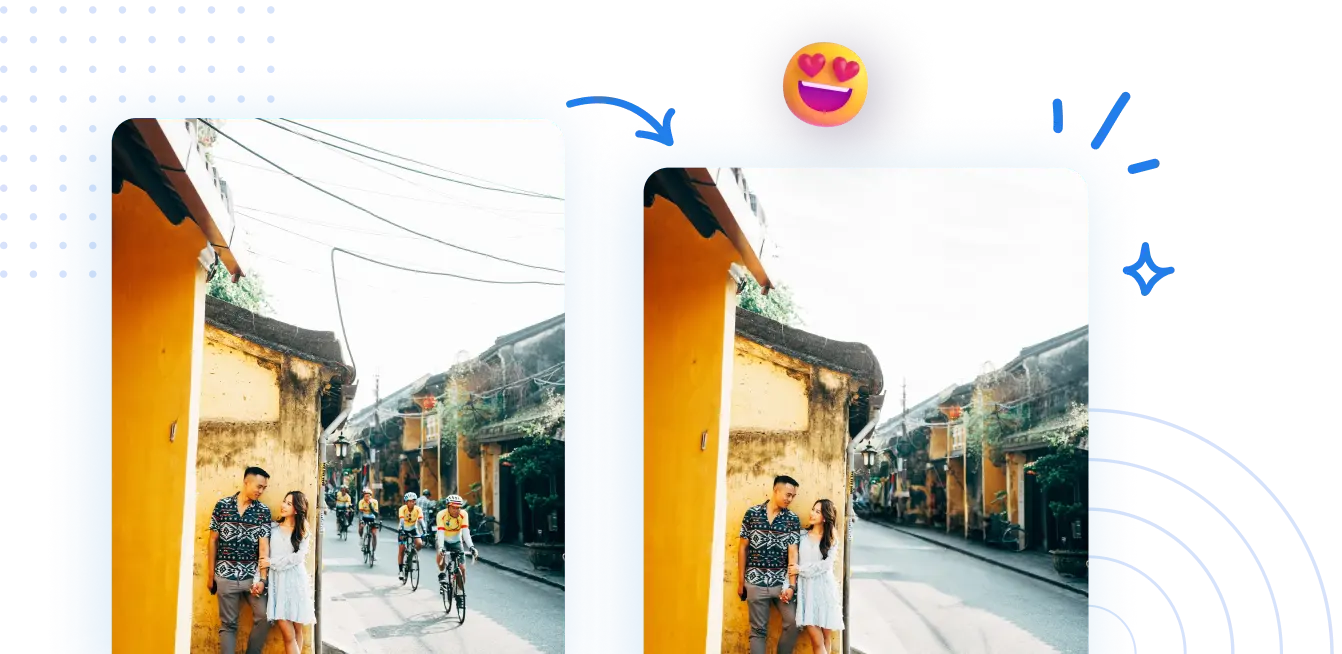
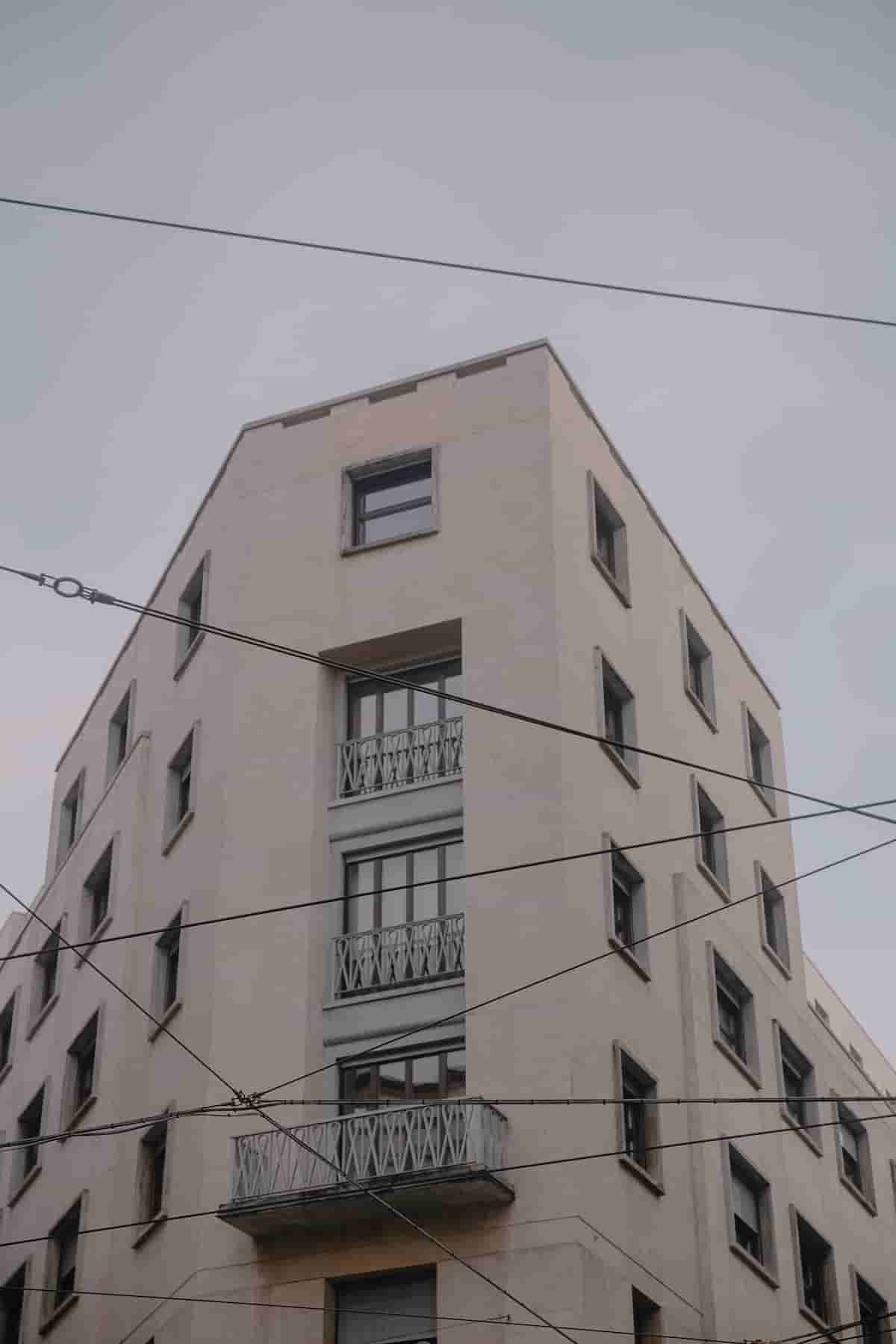
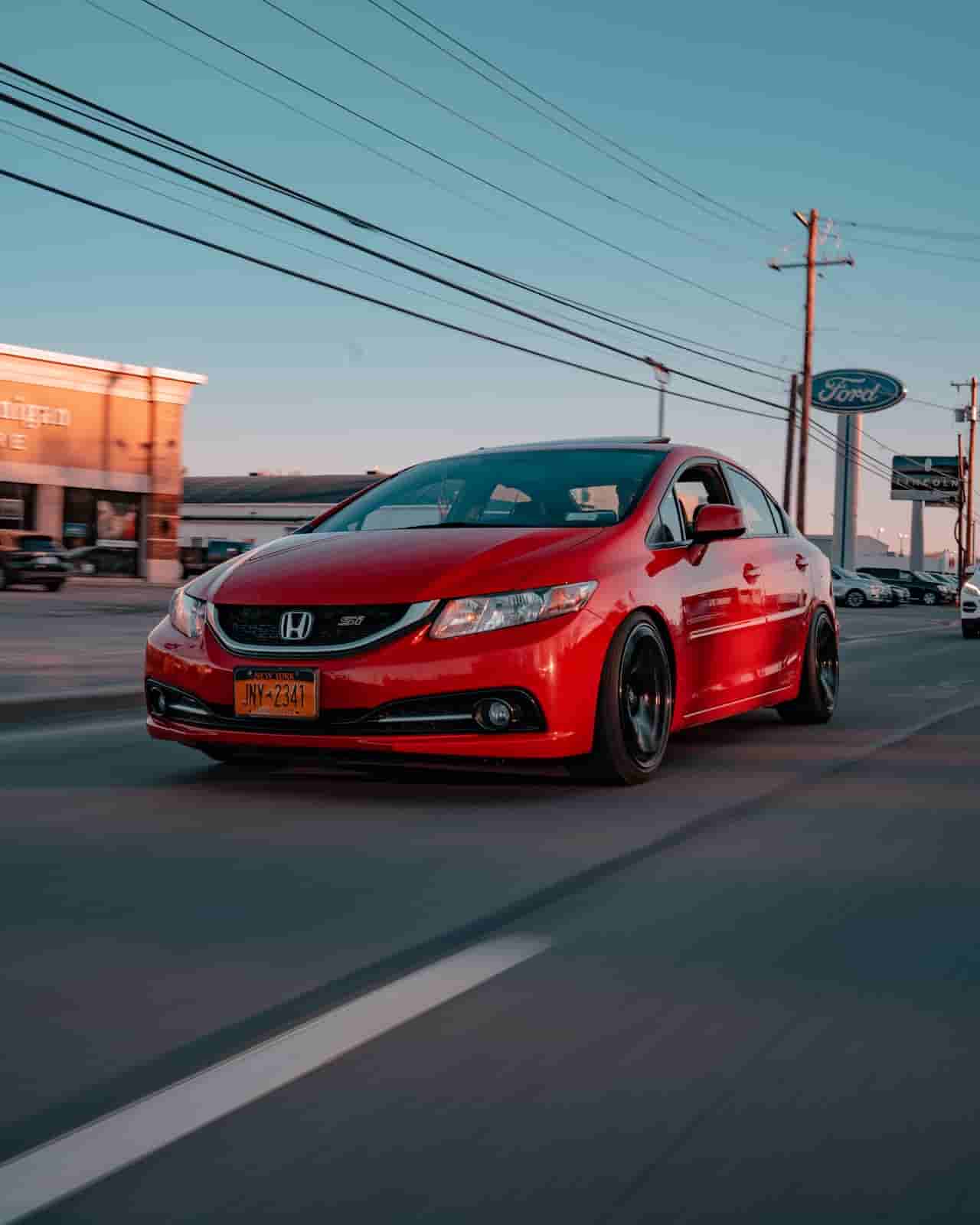
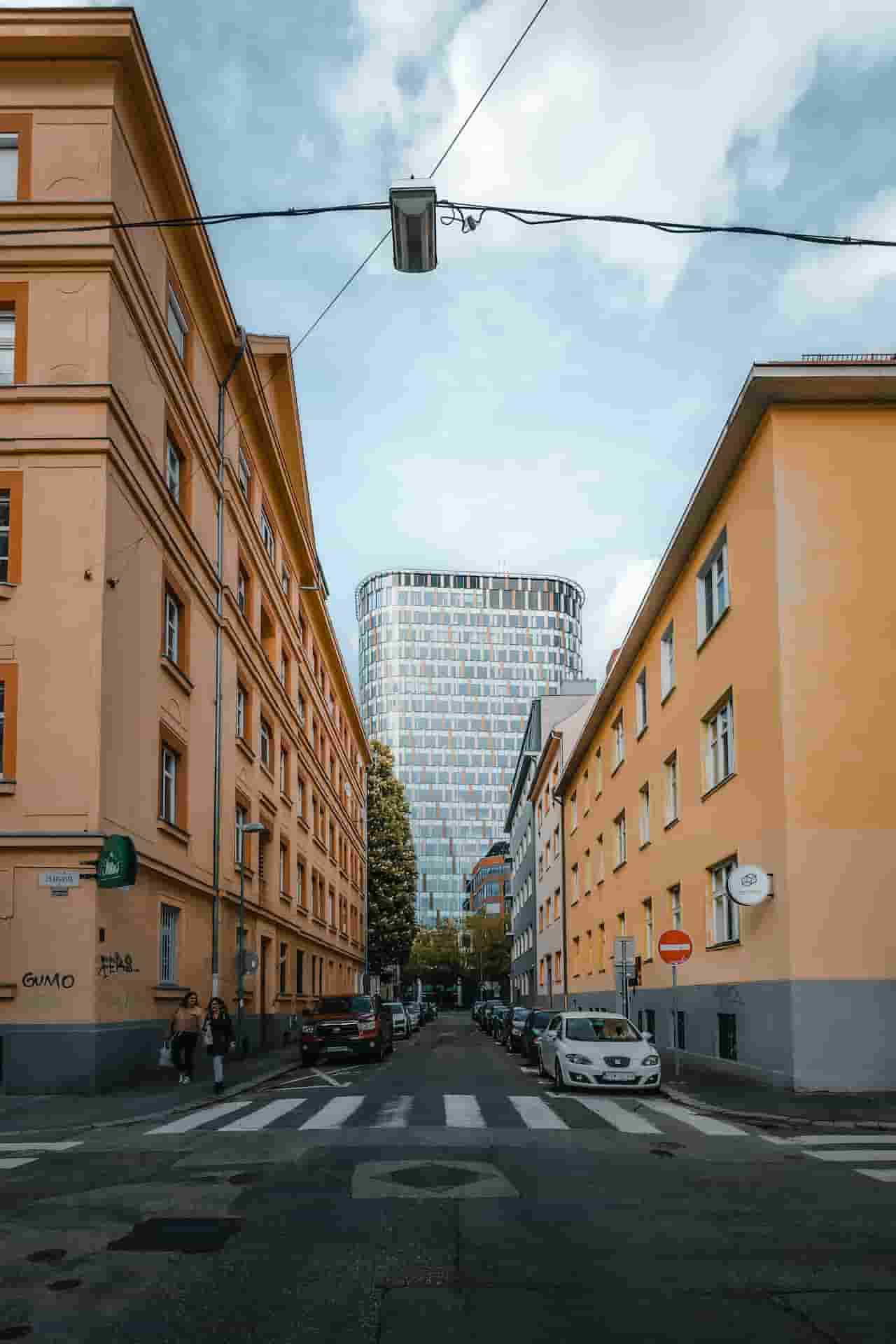

Wie entfernt man Stromleitungen aus Fotos?
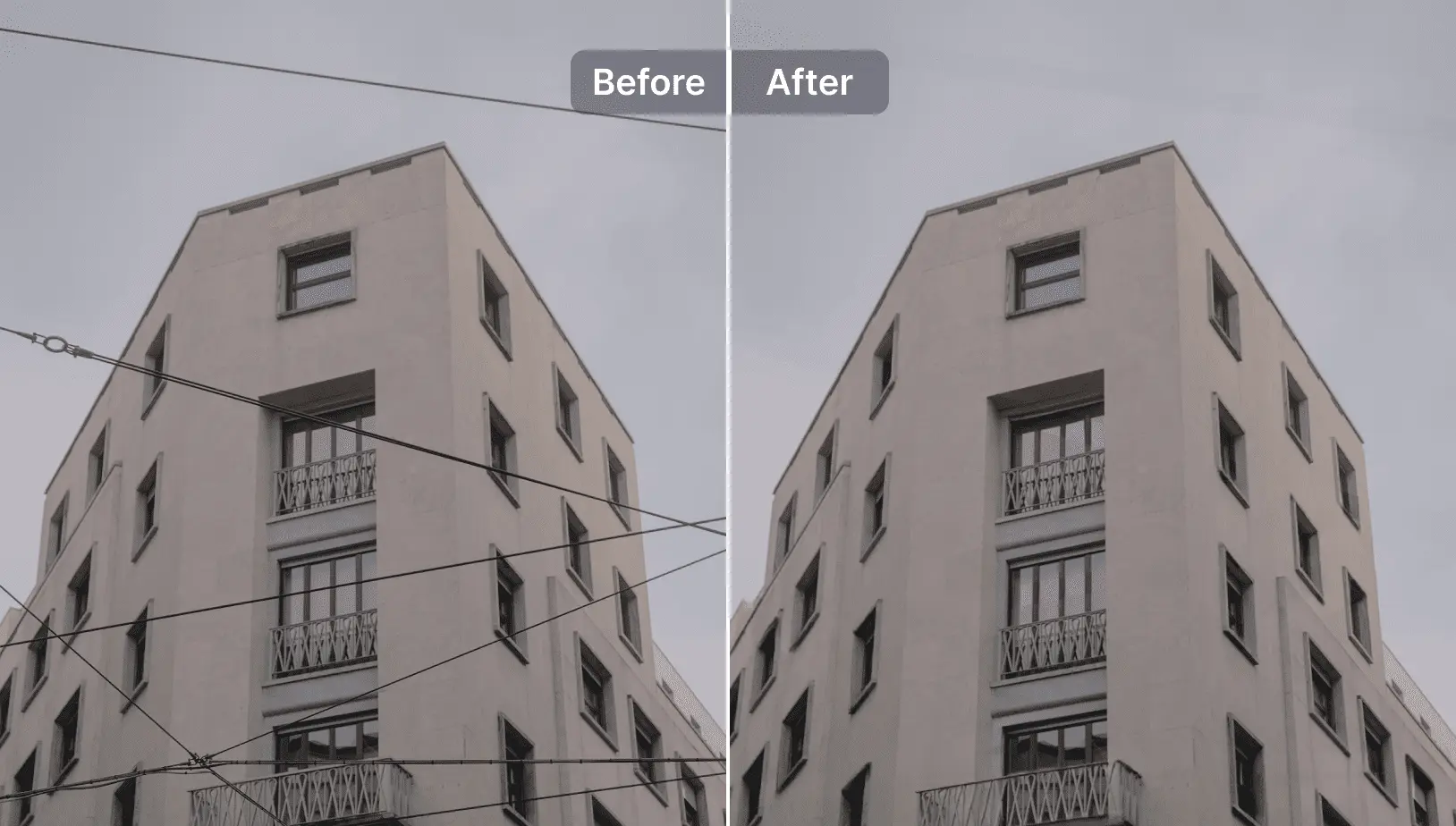
Das perfekte Foto mit Zuversicht aufnehmen, da Hintergrundelemente geschützt sind. Unsere KI entfernt schnell störende Stromleitungen innerhalb eines kontrollierten, schreibgeschützten Prozesses, der das sichere Teilen ermöglicht und sich für die schreibgeschützte PDF-Verarbeitung eignet.
1 Foto laden

2 Verarbeitung abwarten

3 Ergebnis entfernen und vergleichen

4 Ihr Foto herunterladen
Stromleitungen aus dem Foto mit AIPhotor
Bereinigen Sie auch den am stärksten überladenen Hintergrund.
Bei der schreibgeschützten PDF-Verarbeitung werden gezielte Elemente in einer kontrollierten, nicht destruktiven Weise identifiziert und verwaltet, wodurch keine unbefugten Spuren im Quelldokument zurückbleiben.
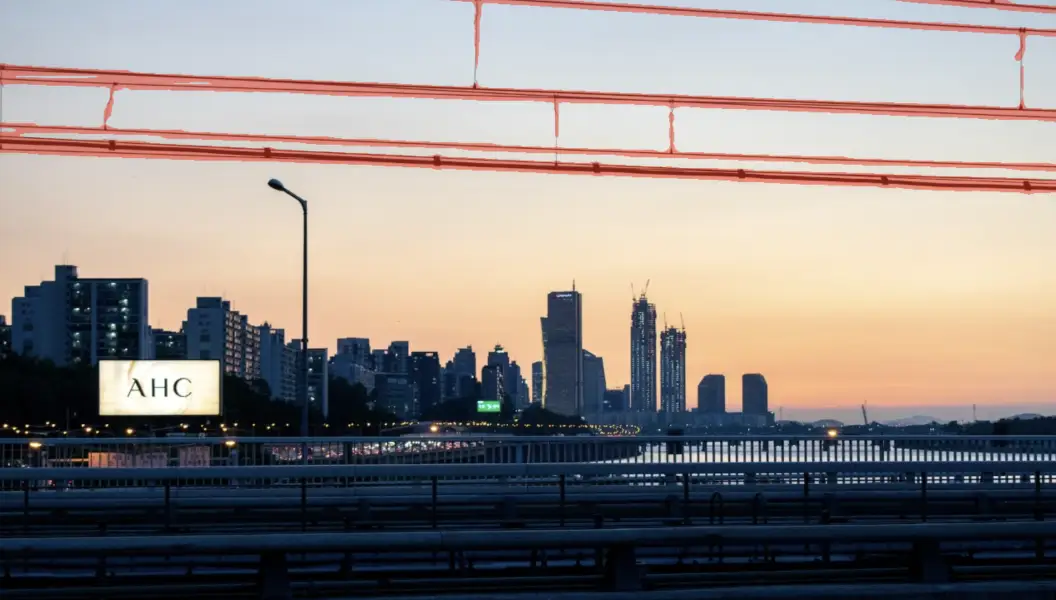
Leistungsstarke automatische Erkennungen mit KI
KI identifiziert und kennzeichnet Elemente sicher zur Überprüfung in einem schreibgeschützten PDF-Verarbeitungs-Workflow, der eine präzise, nicht-destruktive Bewertung ermöglicht.
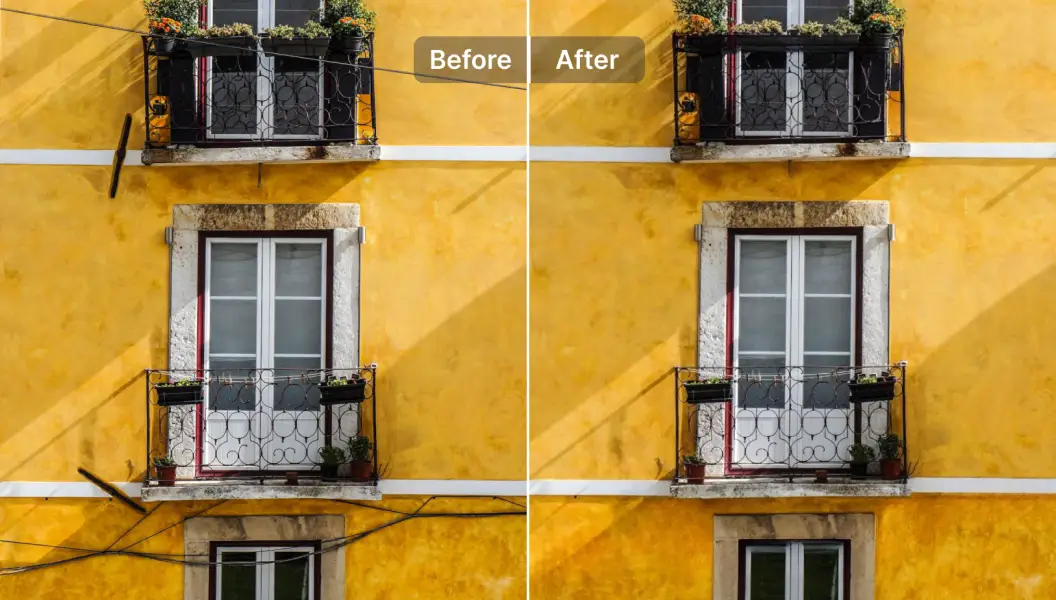
Behält Bildqualität und Details
KI bewahrt die Inhaltsintegrität in einem geschützten, schreibgeschützten Workflow und erhält dabei das natürliche Erscheinungsbild sowie eine hohe Qualität.

Free to Try
AIPhotor is free to try for 3 days, after which you can subscribe to one of our incredible value plans.

Free to Try
We automatically sharpen and transform your images with AI to create multiple final looks. But you can also adjust and add a prompt to customize the results. Choose what works best for you!

Quick & Easy
Screen, edit, resize and download your photos lightning fast.

Compatible with all devices
AIPhotor is available on the iOS and Android stores. Our app works seamlessly across mobile, desktop, and tablet devices.
Frequently Asked Questions
-
What is AIPhotor Photo Editor?

 AIPhotor is a visual online photo editing website that leverages AI technology to help automatically remove objects/people from images; retouch, enhance, colorize, correct, cartoonize, and animate photos in a snap, replacing other photo editing tools Photoshop, Pixlr editor, or Photopea.
Or just drag & drop image here, upto 50 images at once
Or just drag & drop image here, upto 50 images at once
Frequently Asked Questions
-
What is AIPhotor Photo Editor?
AIPhotor is a visual online photo editing website that leverages AI technology to help automatically remove objects/people from images; retouch, enhance, colorize, correct, cartoonize, and animate photos in a snap, replacing other photo editing tools Photoshop, Pixlr editor, or Photopea.