
{{ getFeatureName(action_mode) }} your image

Drop your image here.
Our popular AI tools
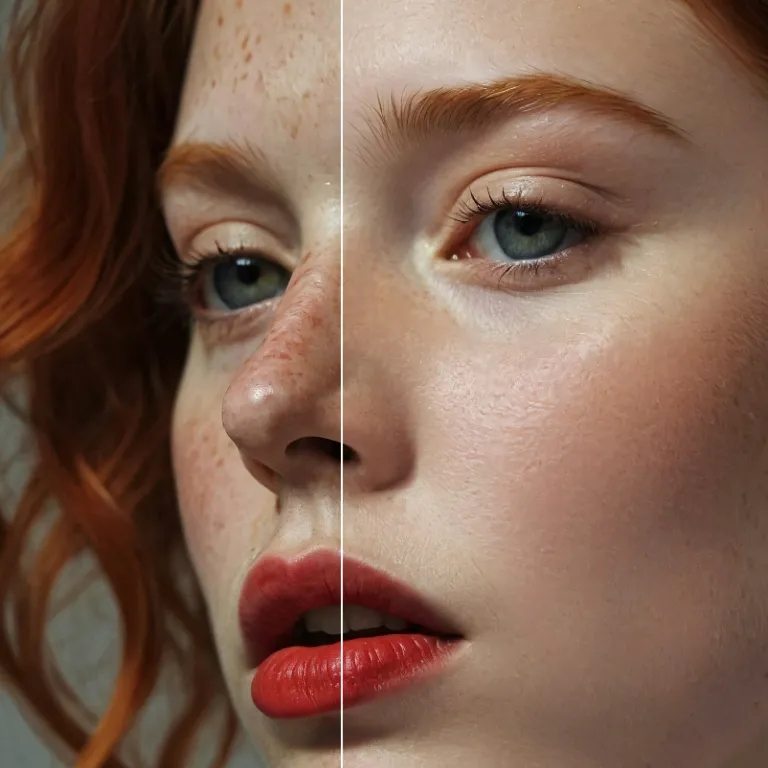
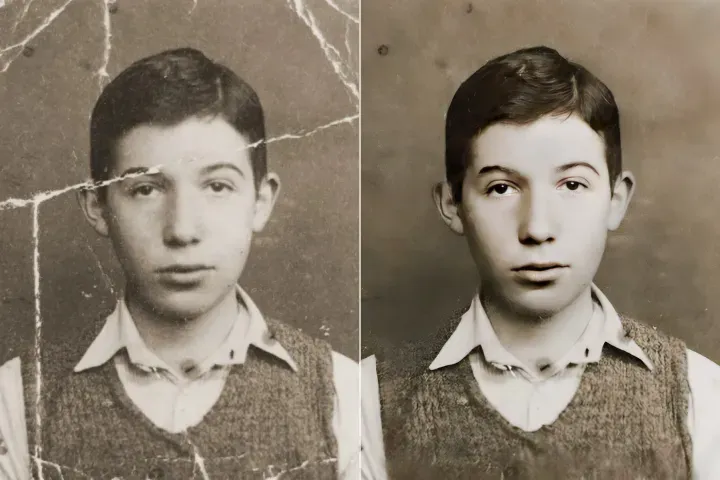
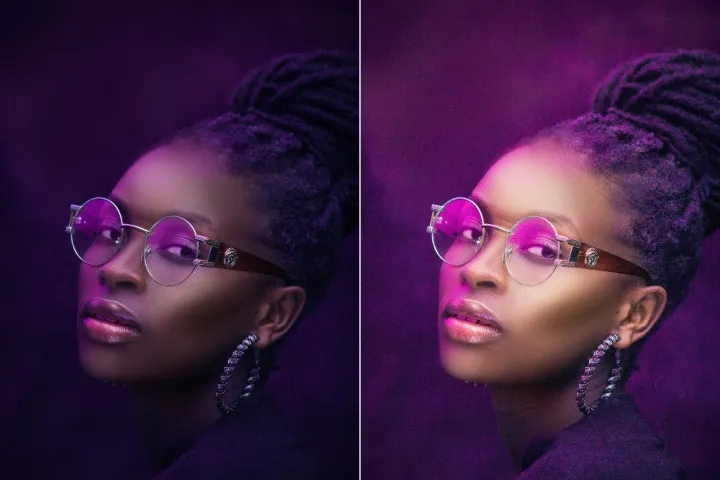
Enhance Photo
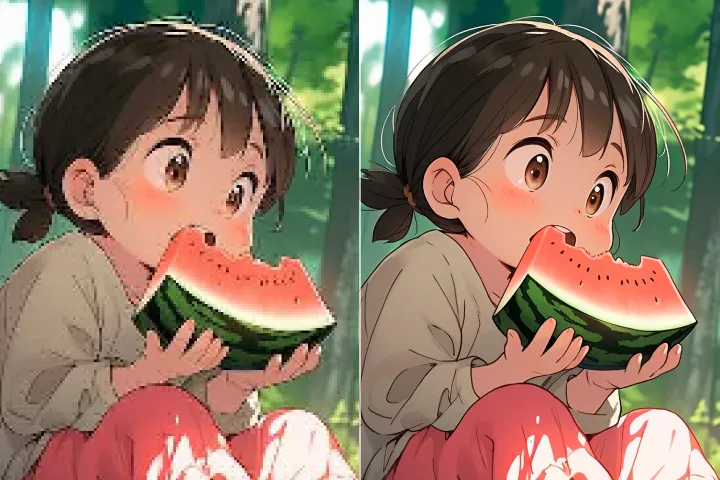
Automatically enhance the blurry photo's resolution and increase the overall quality.
Remove Objects
AIPhotor's One-Touch AI simply detects and removes unwanted details in your picture.
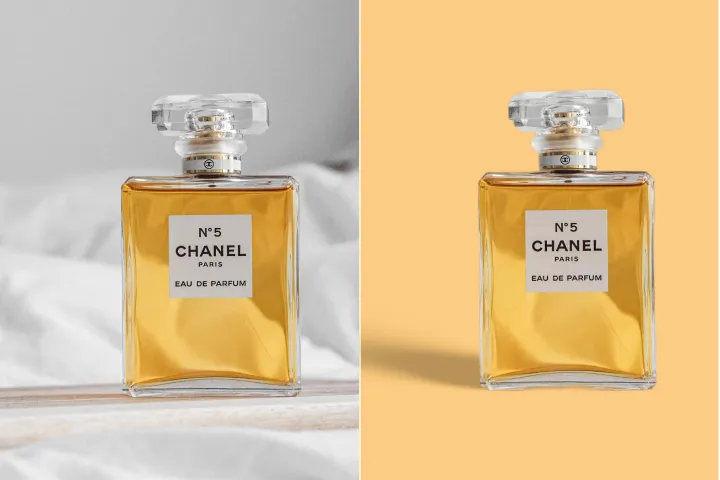
Remove Background
Seamlessly remove background from photos. Edit background with 100+ well-designed templates.
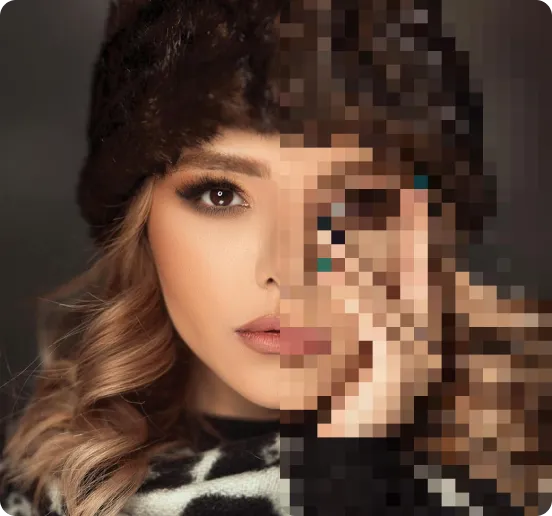
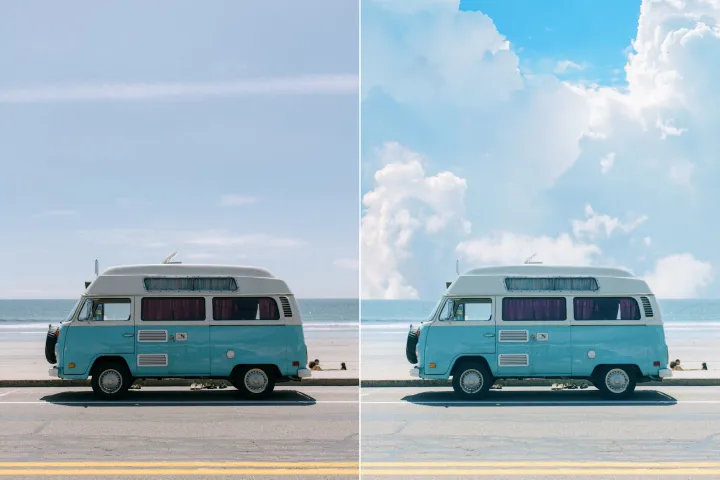
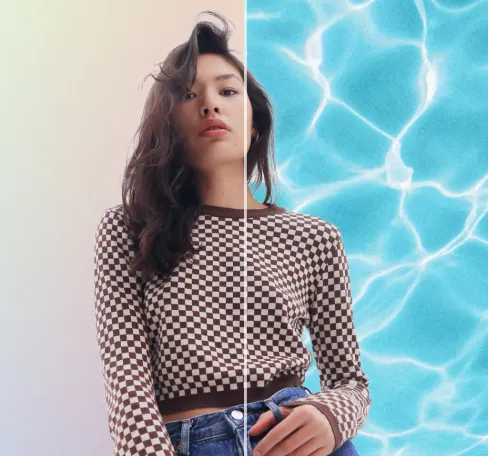
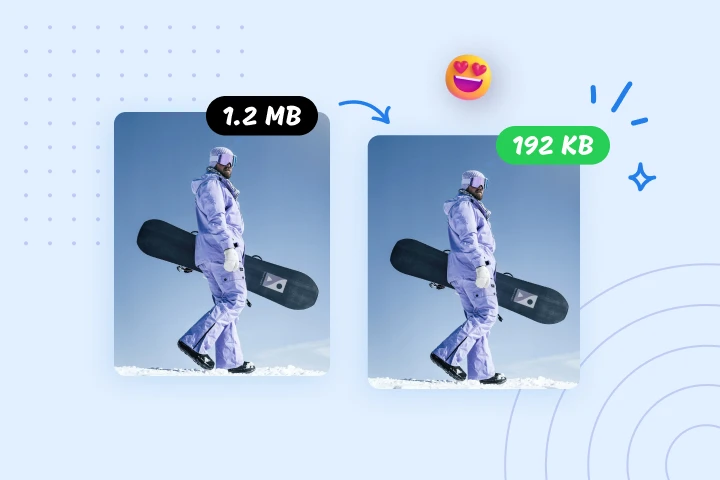
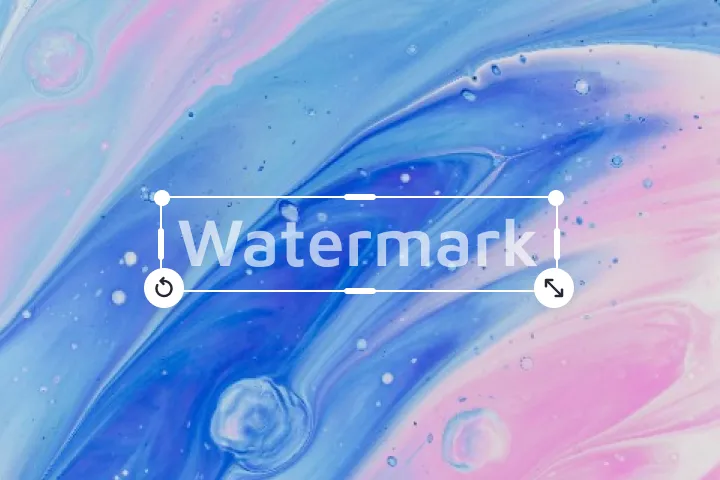
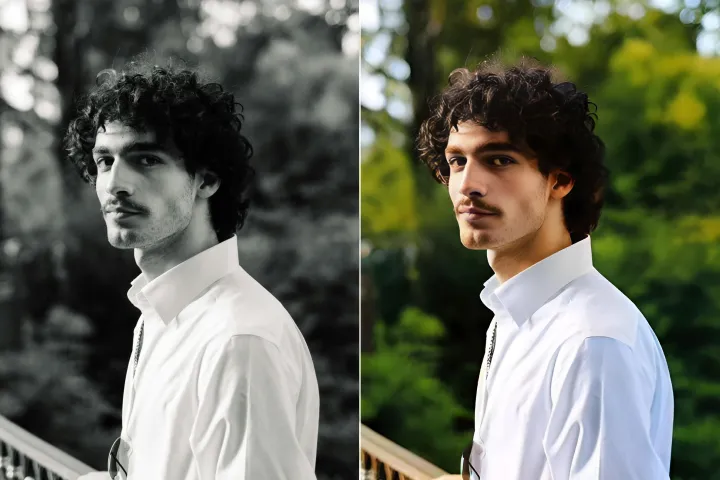
Objekte entfernen
aus Fotos
Automatisch unerwünschte Elemente in Ihren Bildern mithilfe von KI zu erkennen und unkenntlich zu machen oder zu entfernen, in einem sicheren Workflow, der Authentizität und Inhaltsintegrität bewahrt.
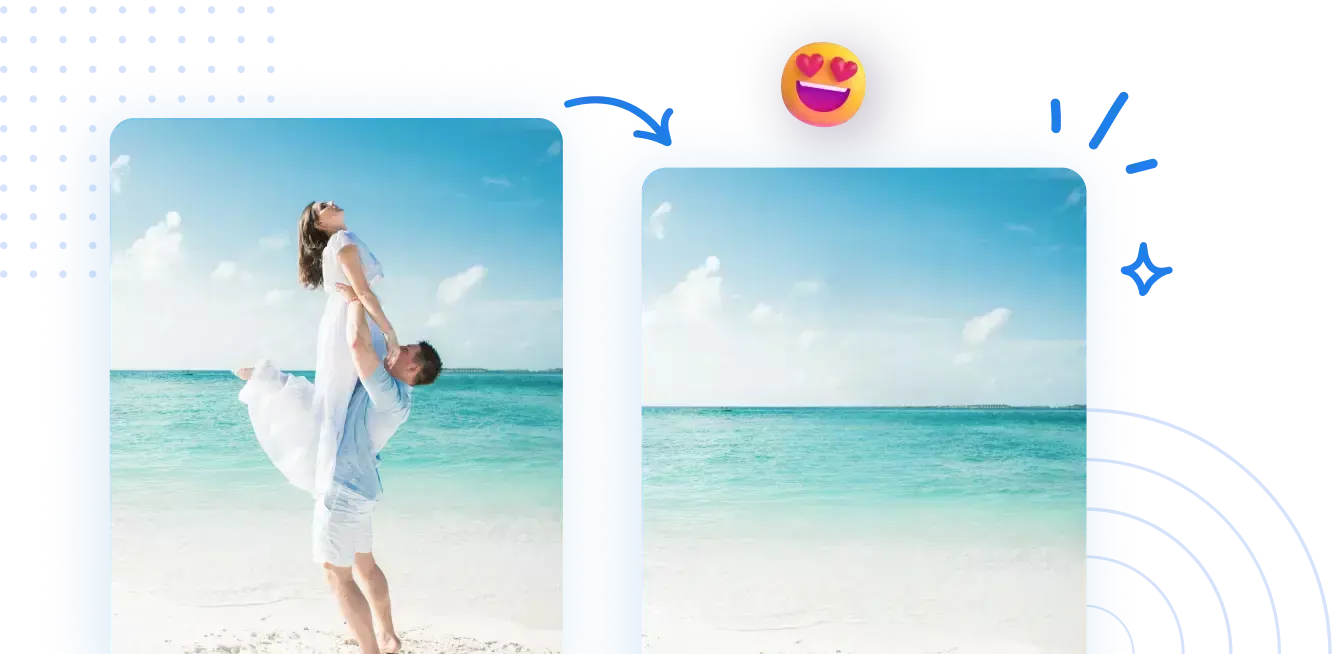




Wie man Objekte aus Bildern mit KI in einem geschützten, schreibgeschützten Workflow entfernt.
Befolgen Sie vier einfache Schritte, um Objekte sicher zu entfernen und gleichzeitig die Integrität des ursprünglichen Inhalts in einem geschützten, schreibgeschützten Arbeitsablauf zu bewahren:
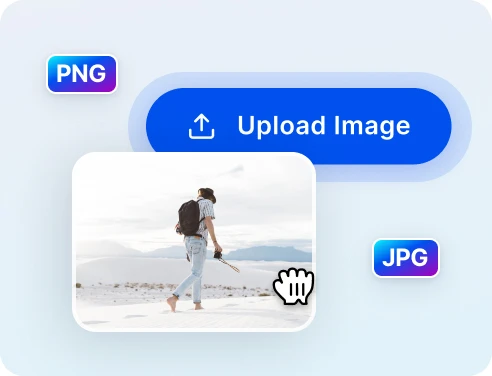
1 Foto zum Bereinigen hochladen
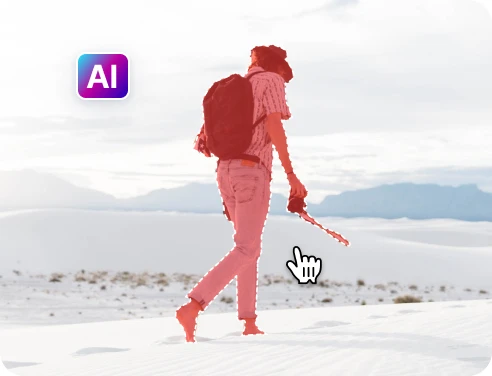
2 Objekte auswählen, die entfernt werden sollen
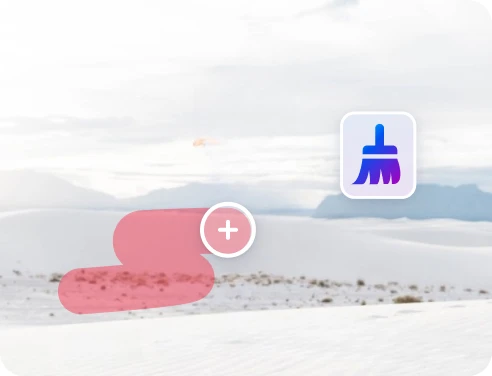
3 Anpassen und Vorschau anzeigen
4 Herunterladen und Teilen
Schnelle und präzise Objektentfernung mit KI-Technologie
Leistungsstarke KI zur Objektentfernung
In einem geschützten Arbeitsablauf können autorisierte Schwärzungen zügig und mit hoher Präzision angewendet werden, während Audit-Trails erhalten bleiben.

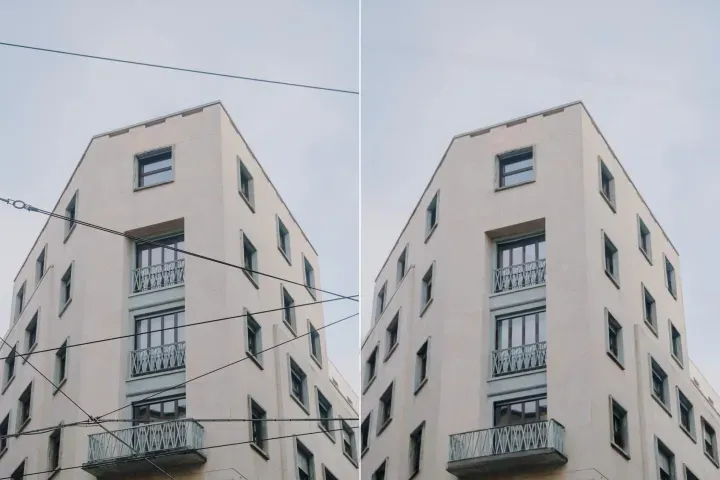
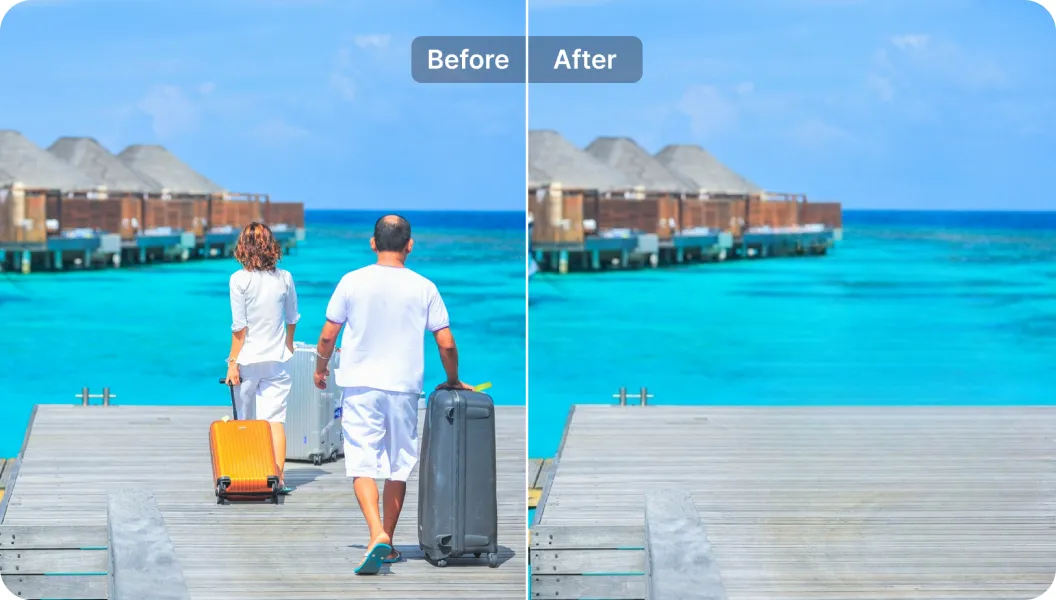
Touristen aus Reisefotos entfernen
Empfindliche Elemente in PDFs einfach redigieren oder maskieren, während das Layout unverändert und geschützt bleibt.
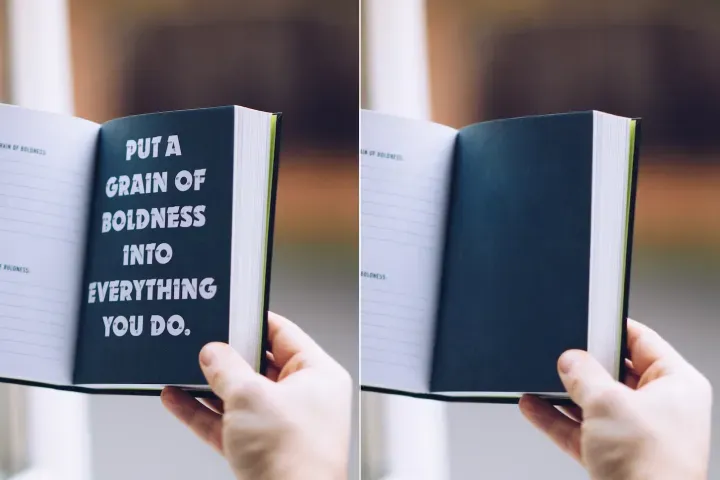
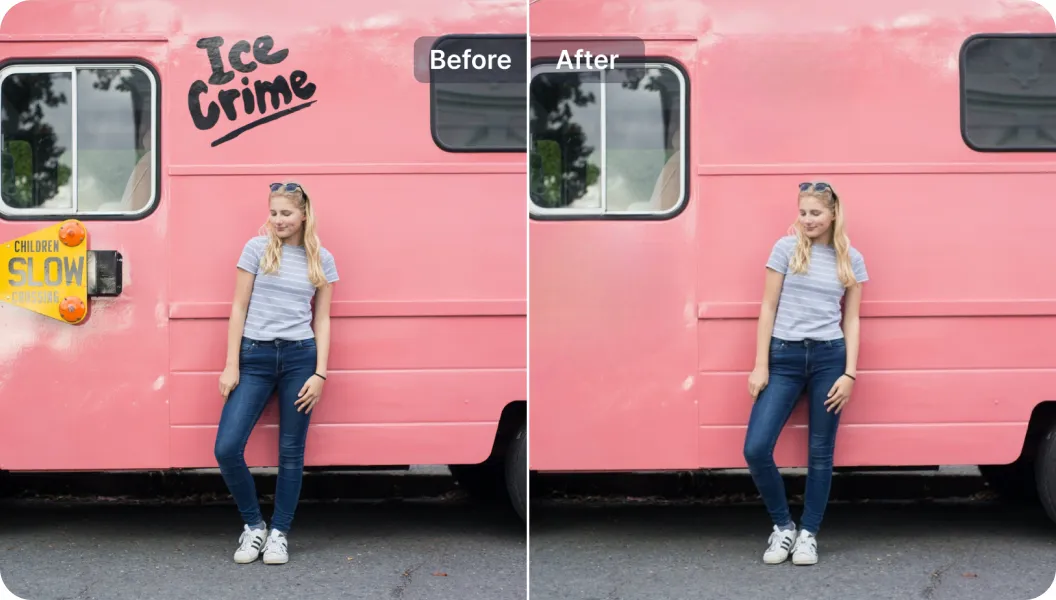
Unerwünschte Texte entfernen
Bestehenden Text aus PDFs redigieren und durch freigegebene Bildunterschriften oder Notizen ersetzen, im Rahmen eines kontrollierten, nachprüfbaren Prozesses.

Free to Try
AIPhotor is free to try for 3 days, after which you can subscribe to one of our incredible value plans.

Free to Try
We automatically sharpen and transform your images with AI to create multiple final looks. But you can also adjust and add a prompt to customize the results. Choose what works best for you!

Quick & Easy
Screen, edit, resize and download your photos lightning fast.

Compatible with all devices
AIPhotor is available on the iOS and Android stores. Our app works seamlessly across mobile, desktop, and tablet devices.
Frequently Asked Questions
-
What is AIPhotor Photo Editor?

 AIPhotor is a visual online photo editing website that leverages AI technology to help automatically remove objects/people from images; retouch, enhance, colorize, correct, cartoonize, and animate photos in a snap, replacing other photo editing tools Photoshop, Pixlr editor, or Photopea.
Or just drag & drop image here, upto 50 images at once
Or just drag & drop image here, upto 50 images at once
Frequently Asked Questions
-
What is AIPhotor Photo Editor?
AIPhotor is a visual online photo editing website that leverages AI technology to help automatically remove objects/people from images; retouch, enhance, colorize, correct, cartoonize, and animate photos in a snap, replacing other photo editing tools Photoshop, Pixlr editor, or Photopea.