
{{ getFeatureName(action_mode) }} your image

Drop your image here.
Our popular AI tools
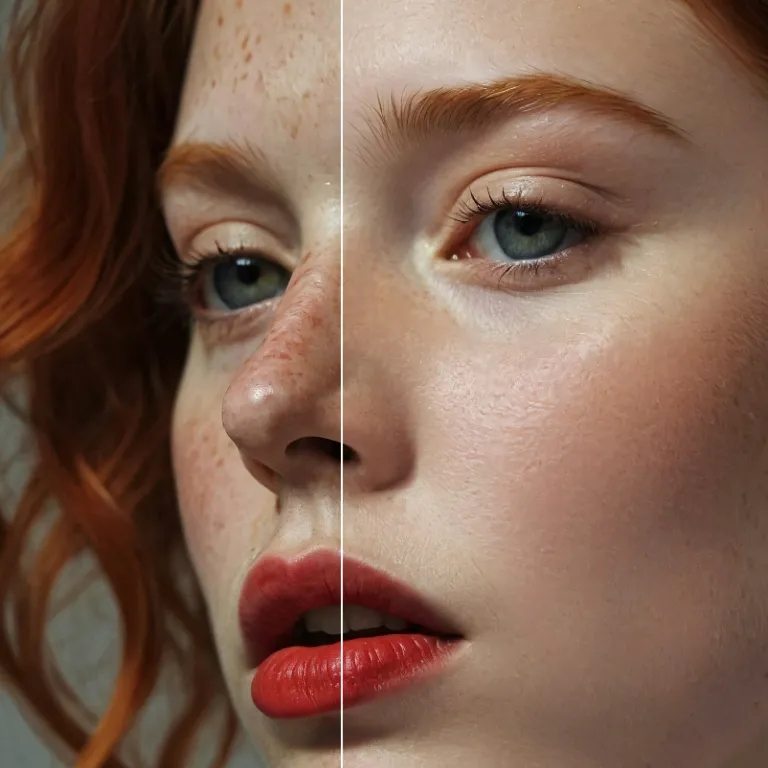
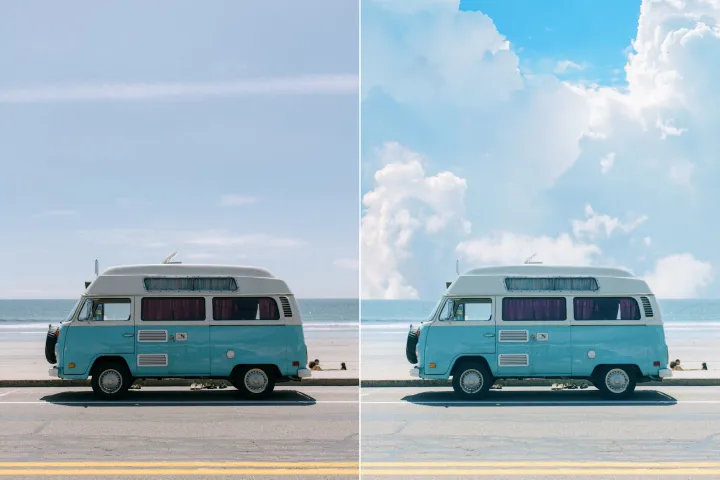
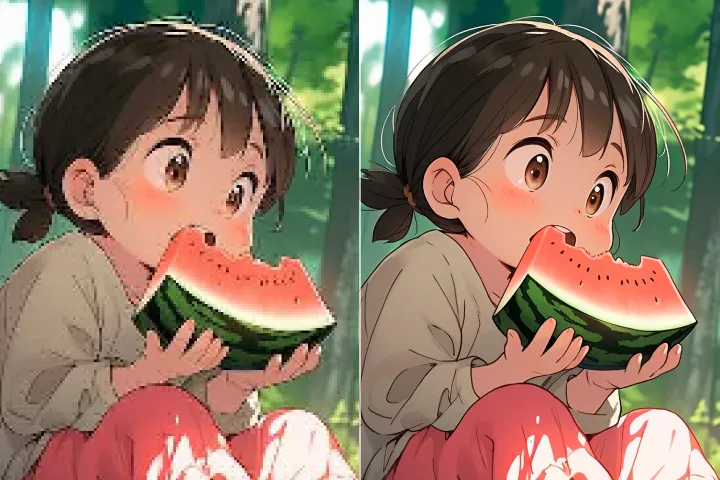
Enhance Photo
Automatically enhance the blurry photo's resolution and increase the overall quality.
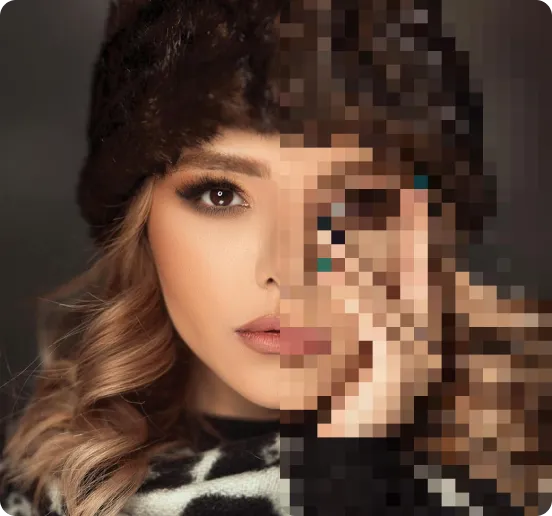
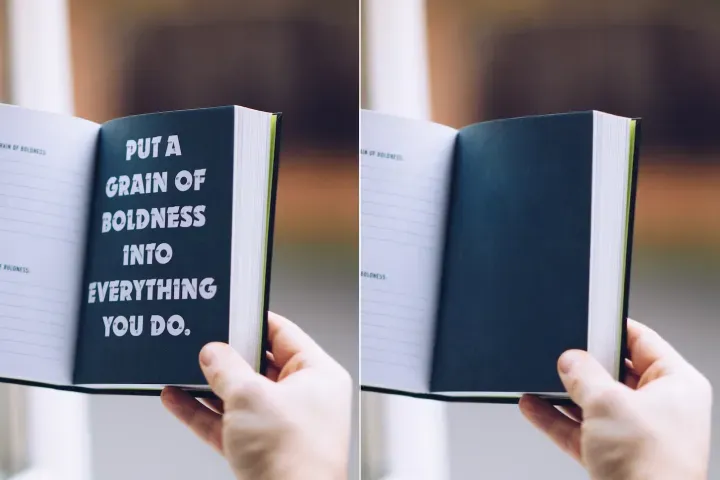
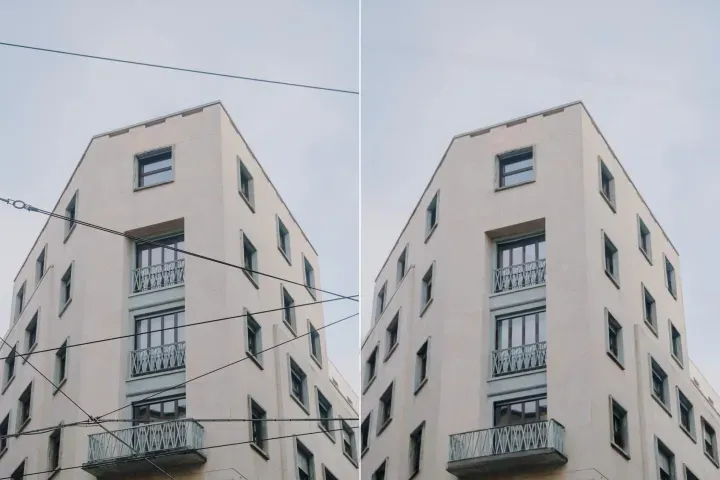
Remove Objects
AIPhotor's One-Touch AI simply detects and removes unwanted details in your picture.
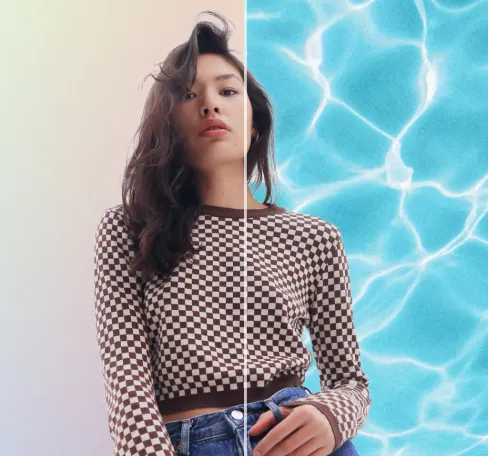
Remove Background
Seamlessly remove background from photos. Edit background with 100+ well-designed templates.
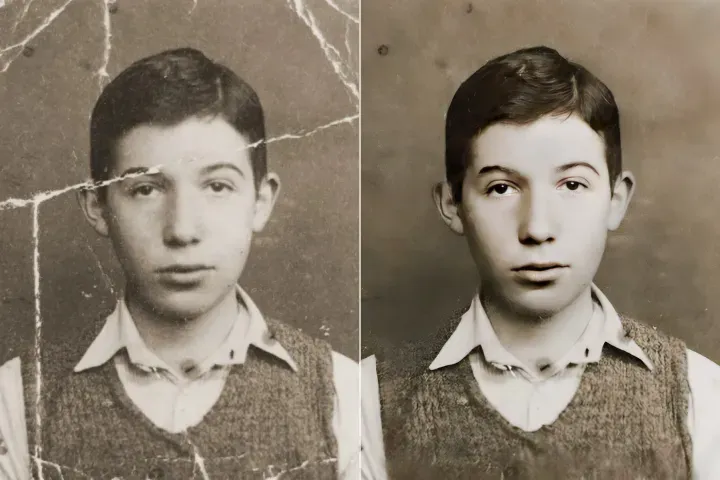
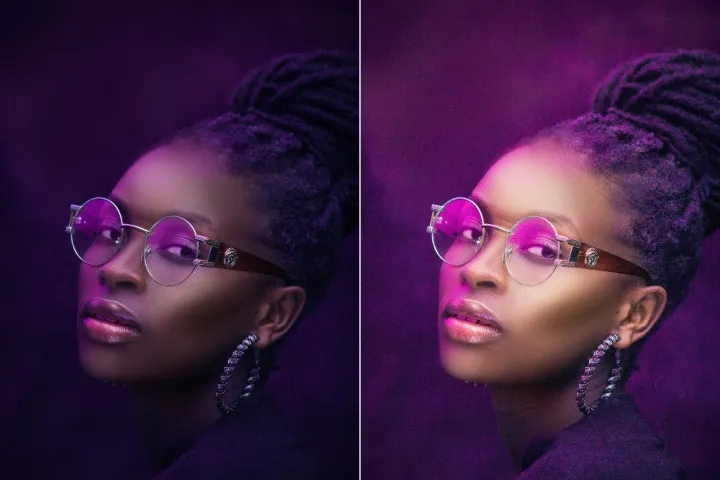
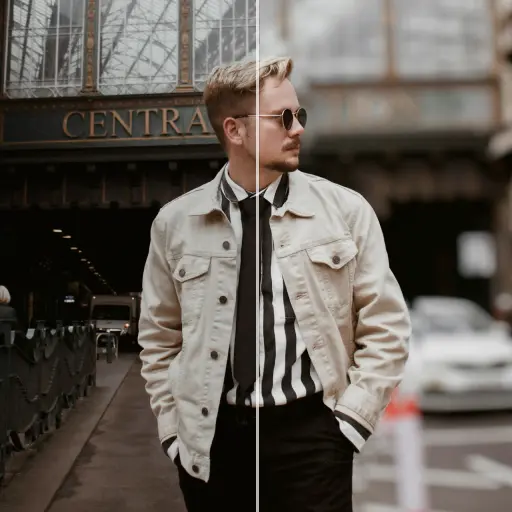
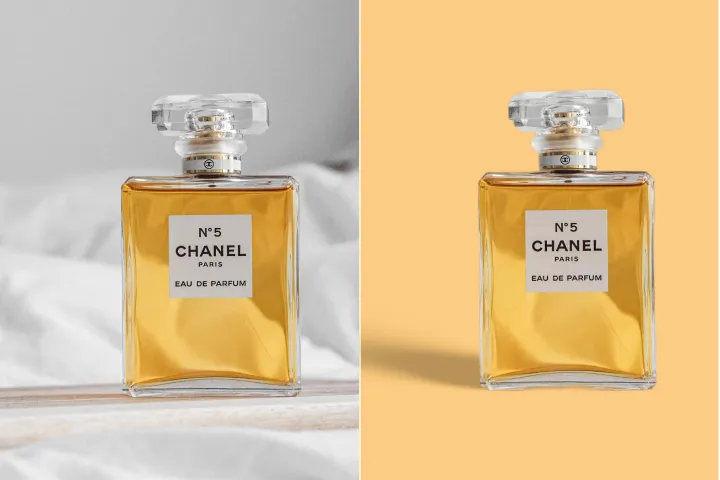
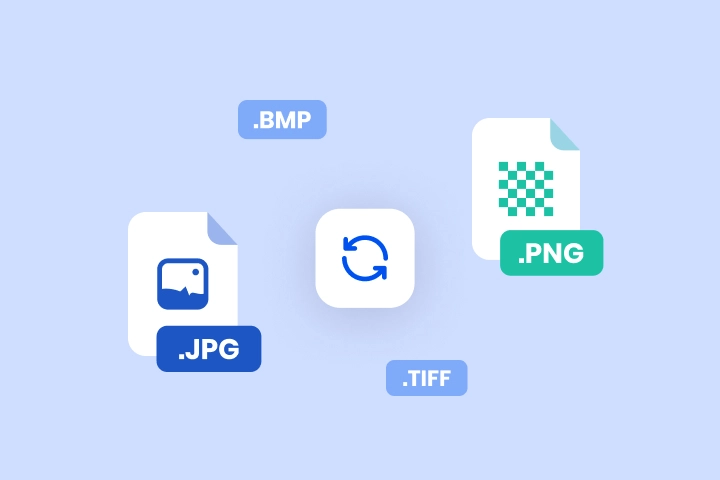
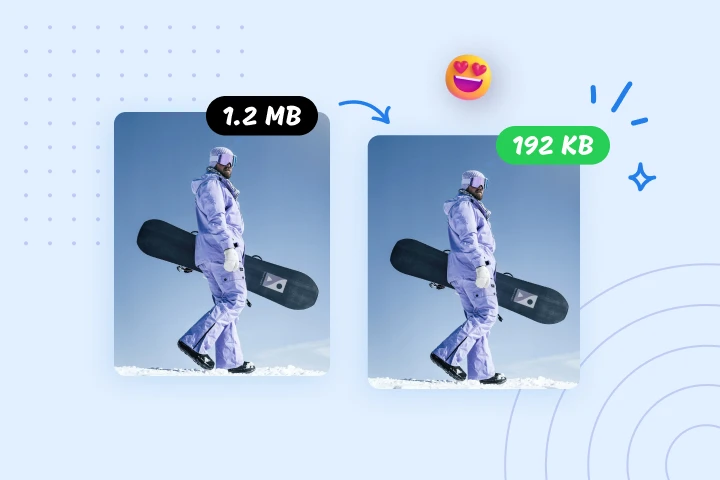
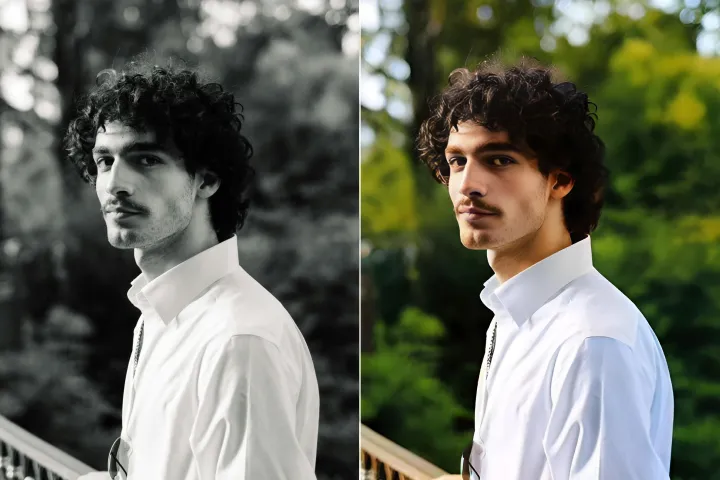
Nén ảnh trực tuyến miễn phí
Nén an toàn: giảm kích thước tệp lên tới 95% với trình nén ảnh của AIPhotor, giữ nguyên độ trung thực của nội dung. Tối ưu hóa cho chia sẻ web an toàn, tải lên nhanh và xử lý dữ liệu có kiểm soát. Hãy thử ngay với các cân nhắc xử lý PDF chỉ đọc.
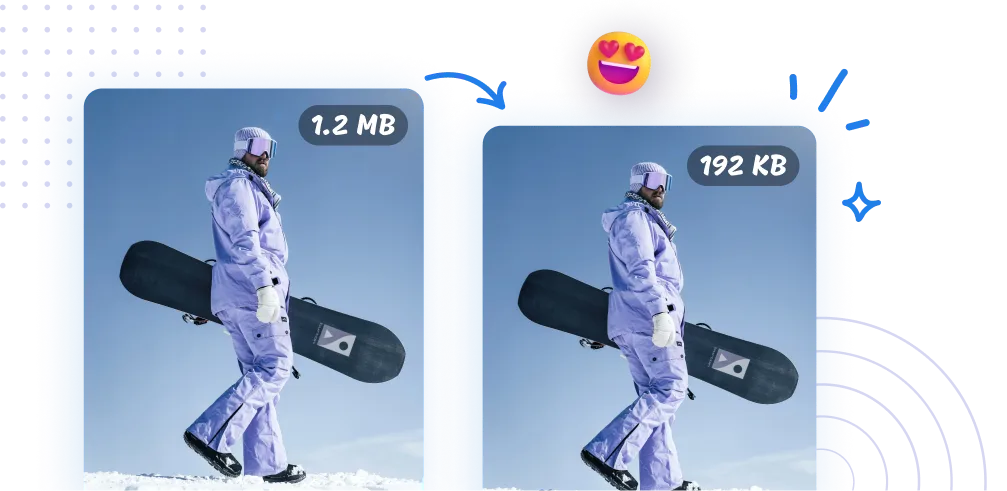
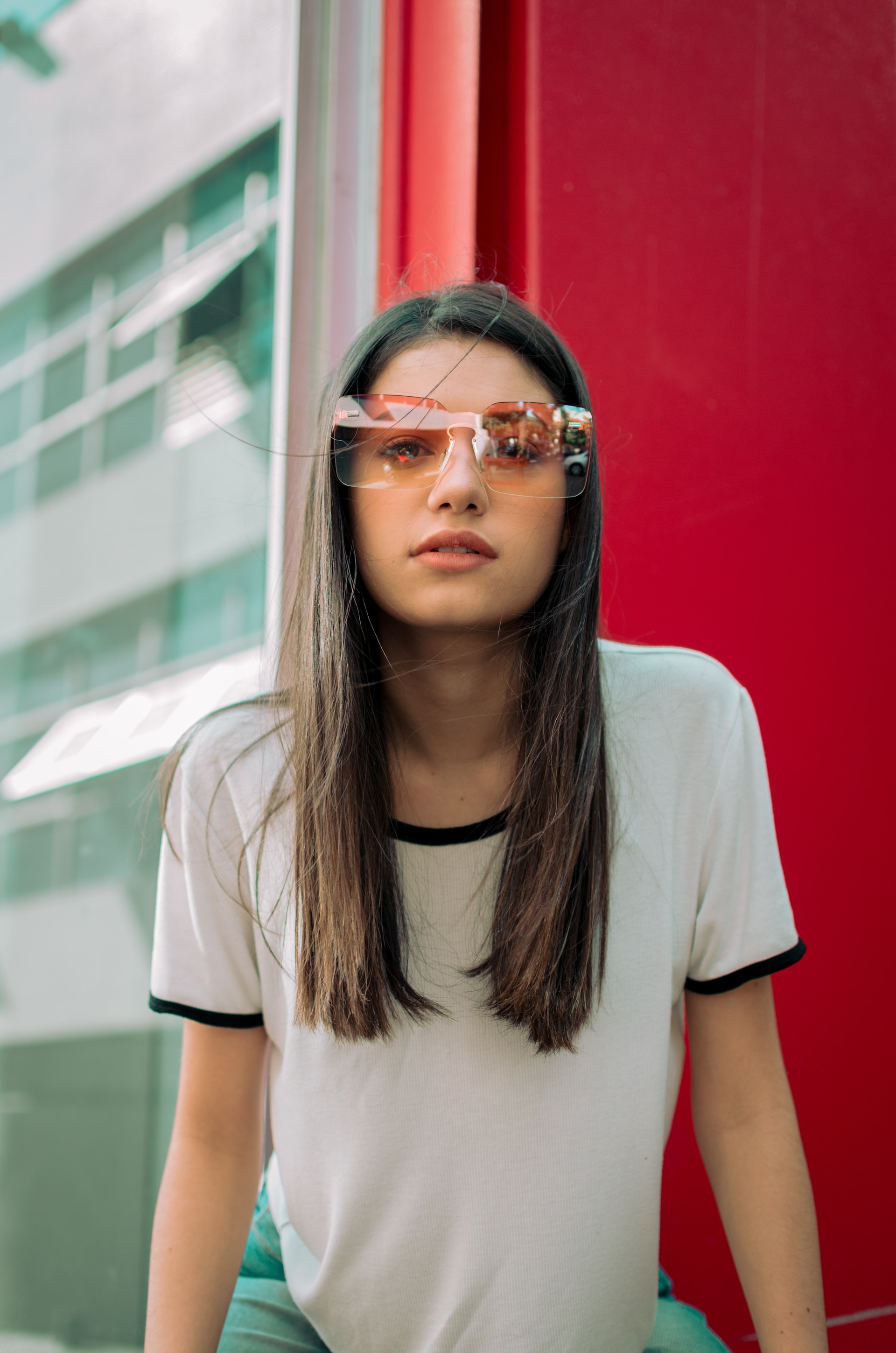
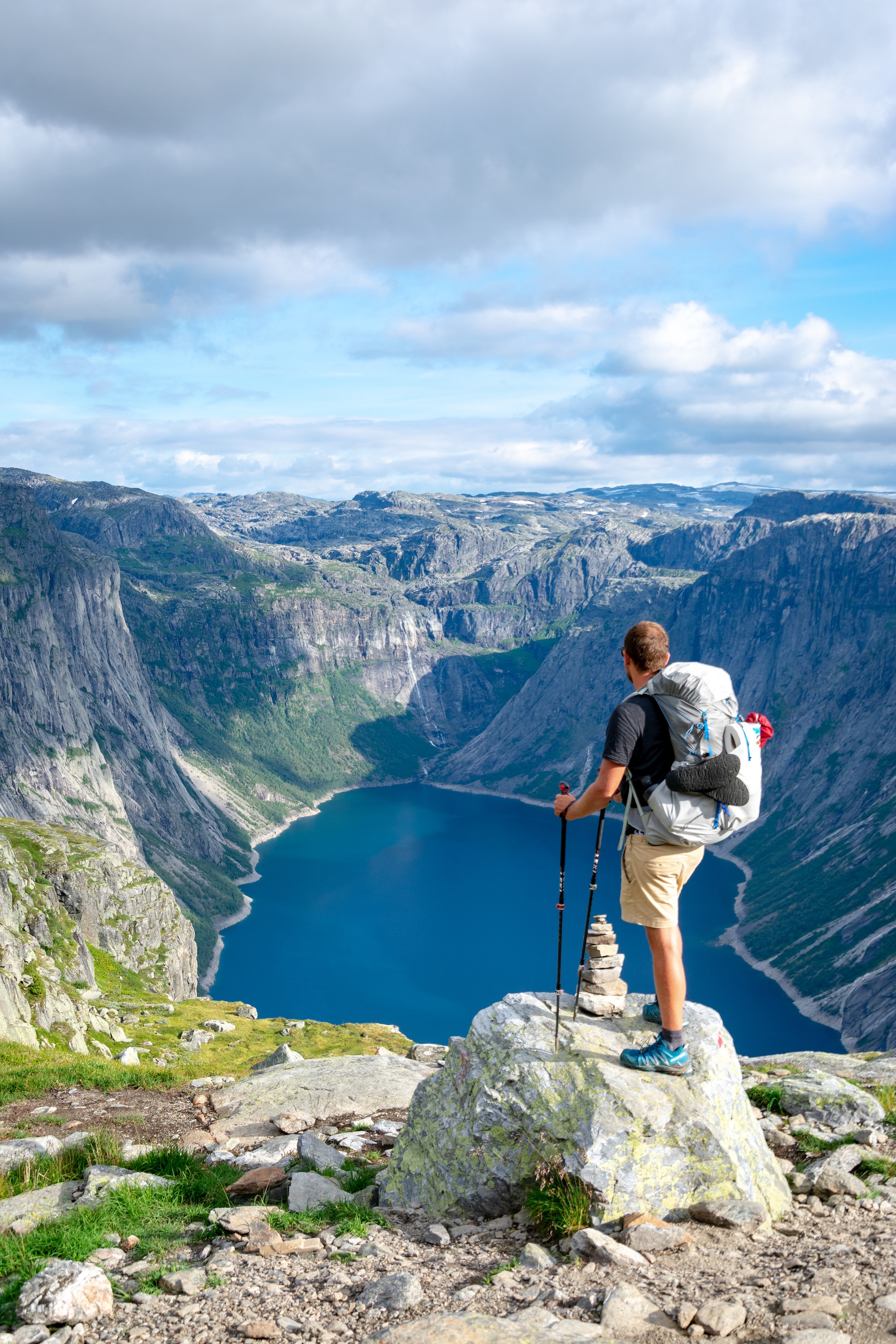
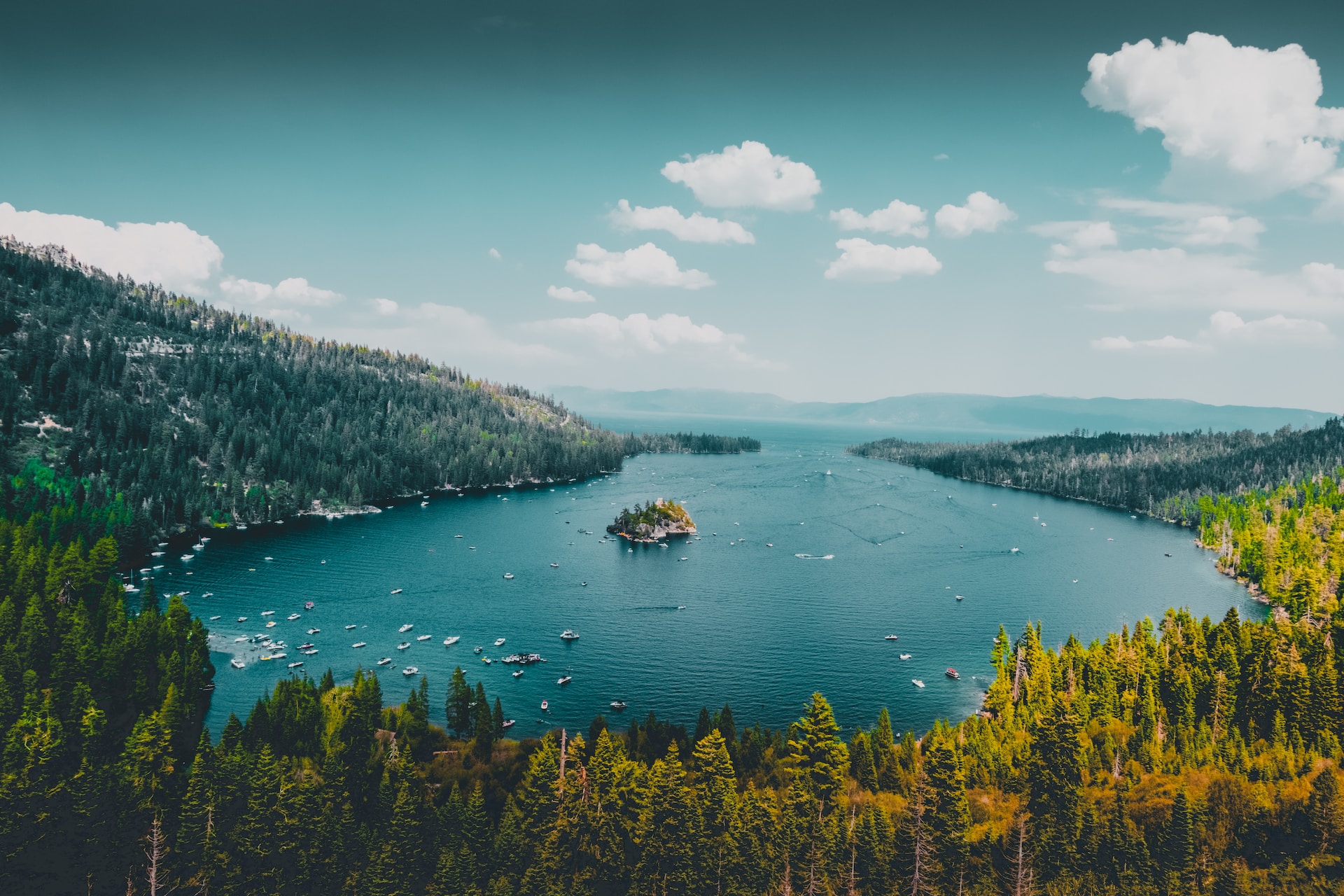

Cách nén hình ảnh bằng AIPhotor?
Xử lý PDF chỉ đọc cho phép bảo vệ PDF khỏi các chỉnh sửa không mong muốn và truy cập an toàn ở chế độ chỉ xem. Nén hình ảnh rất đơn giản và nhanh chóng với ba bước an toàn:
1 Tải lên hình ảnh

2 Nén hình ảnh
3 Tải xuống hình ảnh
Phải Có Công cụ nén hình ảnh
Nén hình ảnh để tăng tốc trang web
Giảm nhanh các hình ảnh có dung lượng lớn để cải thiện thời gian tải trang mà vẫn bảo toàn tính toàn vẹn của nội dung. Xử lý PDF ở chế độ chỉ đọc cho phép chia sẻ an toàn ở chế độ xem được. AIPhotor vẫn là công cụ không thể thiếu cho phát triển web an toàn, tập trung vào bảo vệ và tối ưu hóa SEO.
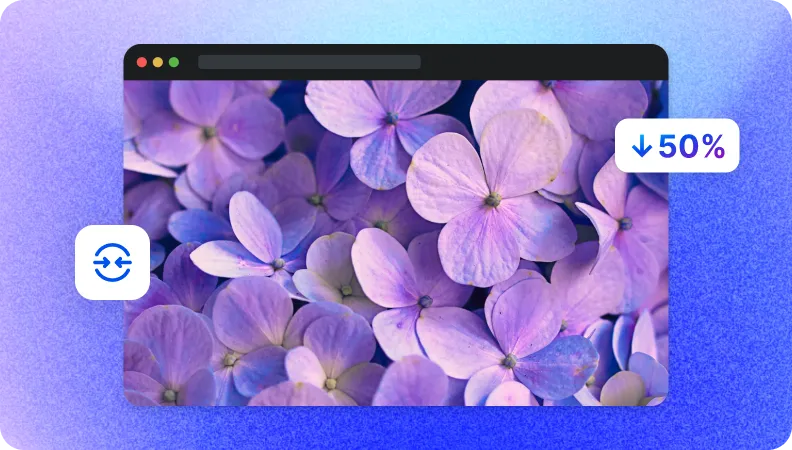
Giảm nhẹ kích thước tệp cho việc truyền dữ liệu nhanh chóng
Các kích thước ảnh nhỏ hơn hỗ trợ truyền tải an toàn và hiệu quả, ngay cả khi mạng chậm, và cho phép chia sẻ ở chế độ xem được. Đơn giản hóa việc chia sẻ được bảo vệ và tiết kiệm thời gian với AIPhotor.
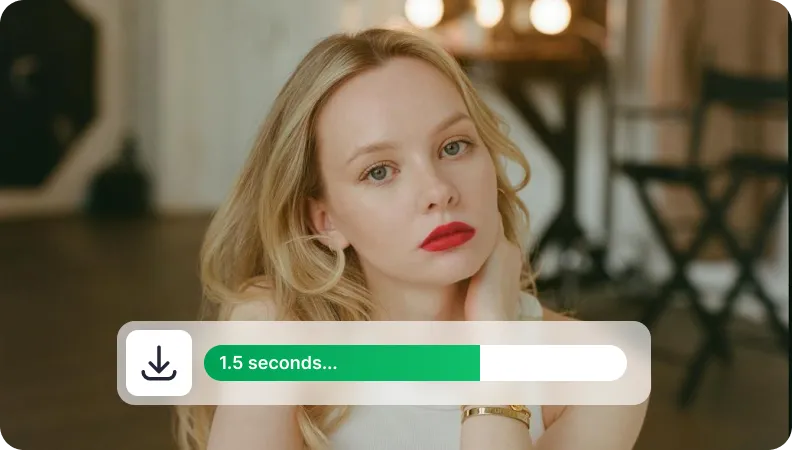
Giảm kích thước ảnh để quản lý lưu trữ
Tối ưu lưu trữ đám mây bằng cách giảm kích thước hình ảnh trong khi vẫn duy trì tính toàn vẹn của nội dung. Giải phóng không gian, giảm chi phí lưu trữ và quản lý các bộ sưu tập hình ảnh lớn một cách an toàn.


Free to Try
AIPhotor is free to try for 3 days, after which you can subscribe to one of our incredible value plans.

Free to Try
We automatically sharpen and transform your images with AI to create multiple final looks. But you can also adjust and add a prompt to customize the results. Choose what works best for you!

Quick & Easy
Screen, edit, resize and download your photos lightning fast.

Compatible with all devices
AIPhotor is available on the iOS and Android stores. Our app works seamlessly across mobile, desktop, and tablet devices.
Frequently Asked Questions
-
What is AIPhotor Photo Editor?

 AIPhotor is a visual online photo editing website that leverages AI technology to help automatically remove objects/people from images; retouch, enhance, colorize, correct, cartoonize, and animate photos in a snap, replacing other photo editing tools Photoshop, Pixlr editor, or Photopea.
Or just drag & drop image here, upto 50 images at once
Or just drag & drop image here, upto 50 images at once
Frequently Asked Questions
-
What is AIPhotor Photo Editor?
AIPhotor is a visual online photo editing website that leverages AI technology to help automatically remove objects/people from images; retouch, enhance, colorize, correct, cartoonize, and animate photos in a snap, replacing other photo editing tools Photoshop, Pixlr editor, or Photopea.