
{{ getFeatureName(action_mode) }} your image

Drop your image here.
Our popular AI tools
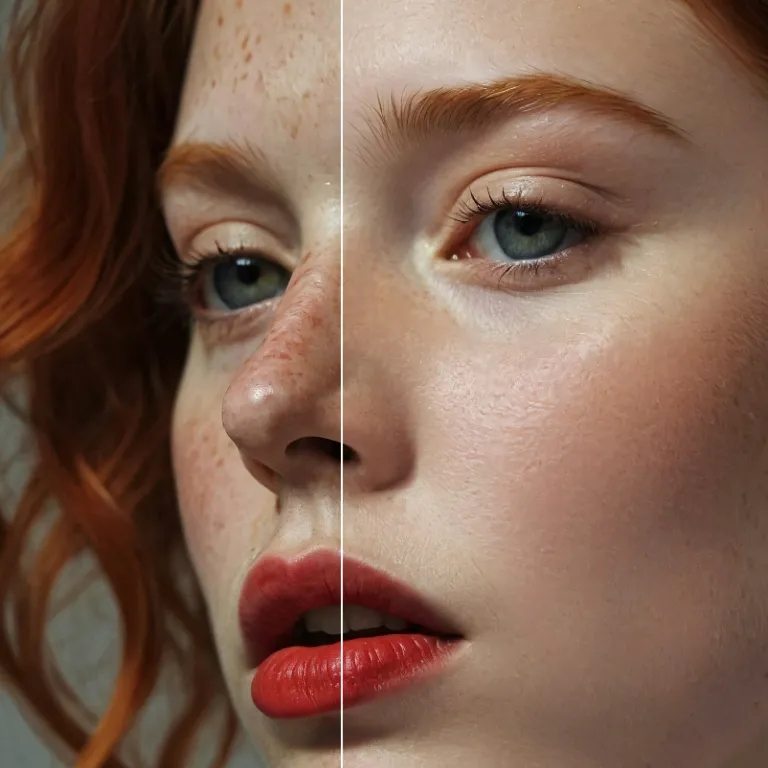
Enhance Photo
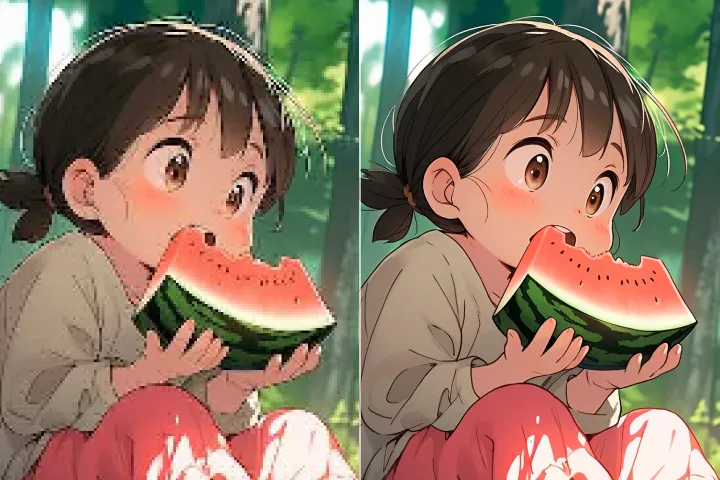
Automatically enhance the blurry photo's resolution and increase the overall quality.
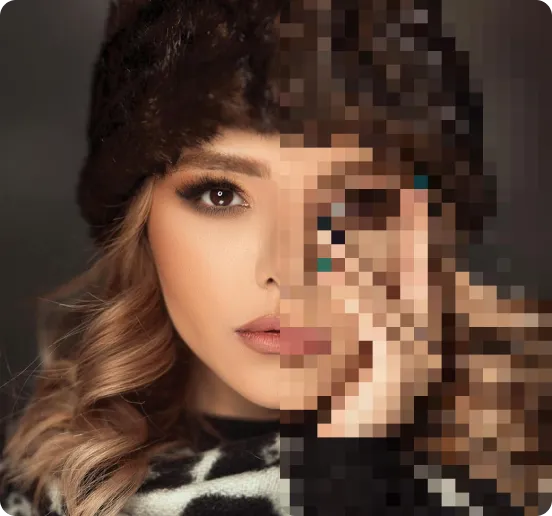
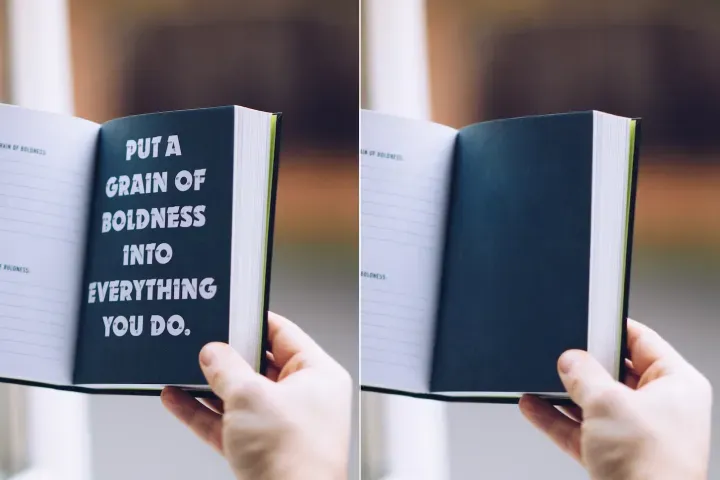
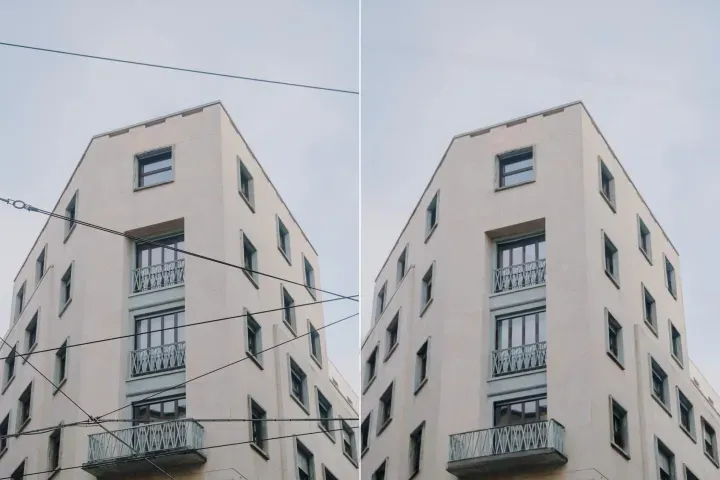
Remove Objects
AIPhotor's One-Touch AI simply detects and removes unwanted details in your picture.
Remove Background
Seamlessly remove background from photos. Edit background with 100+ well-designed templates.
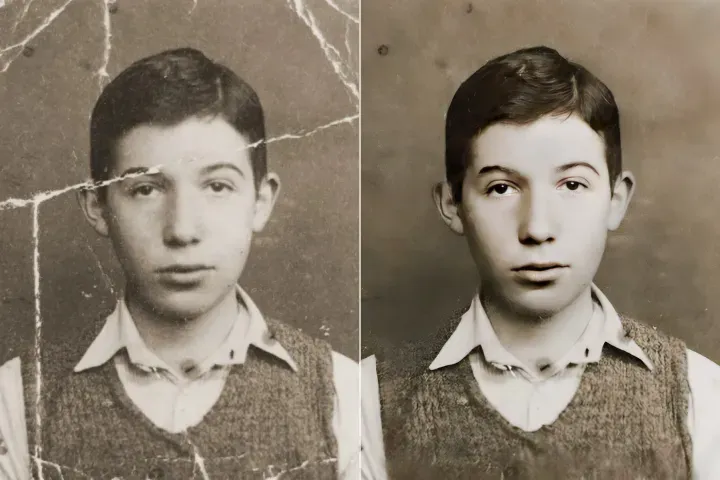
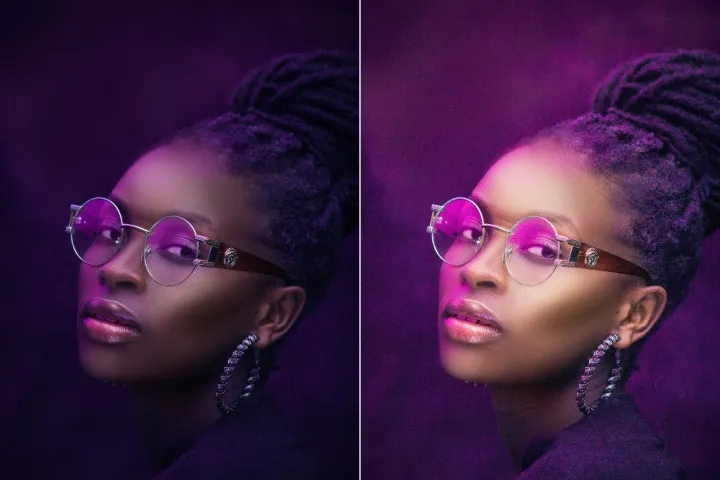
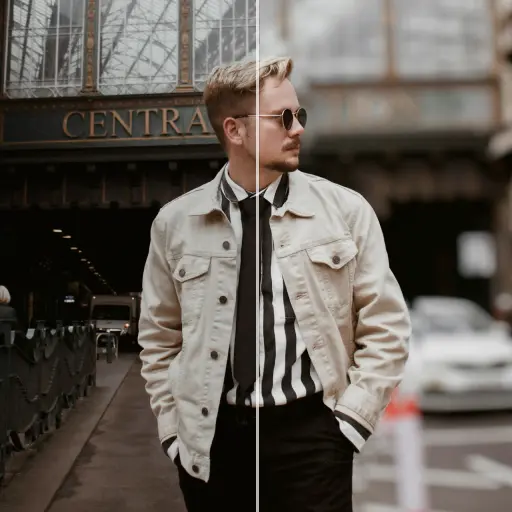
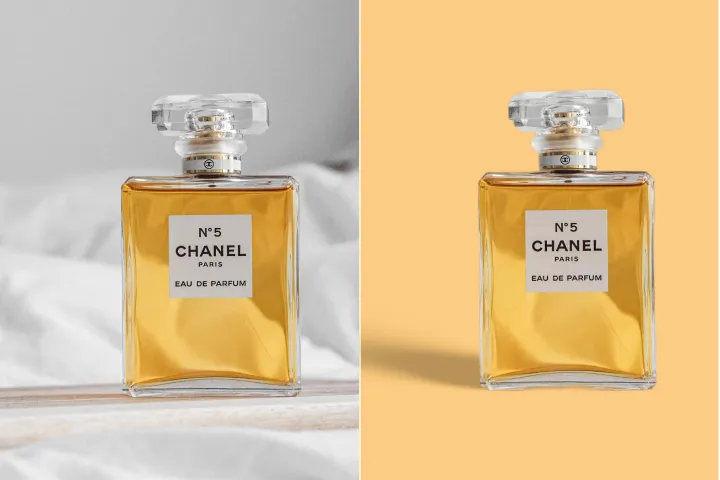
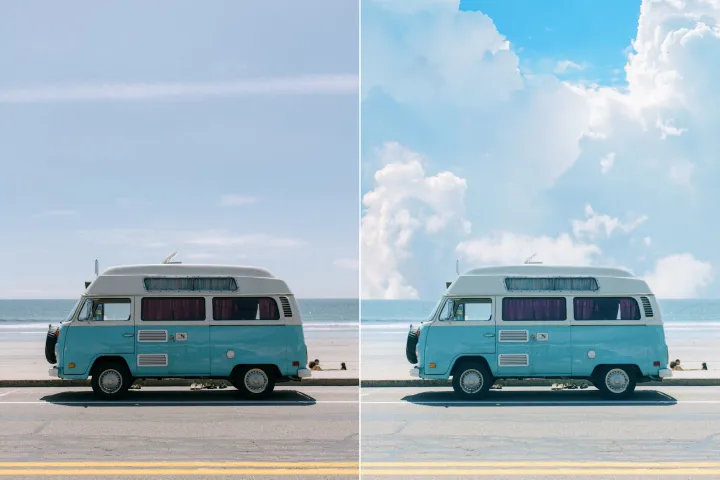
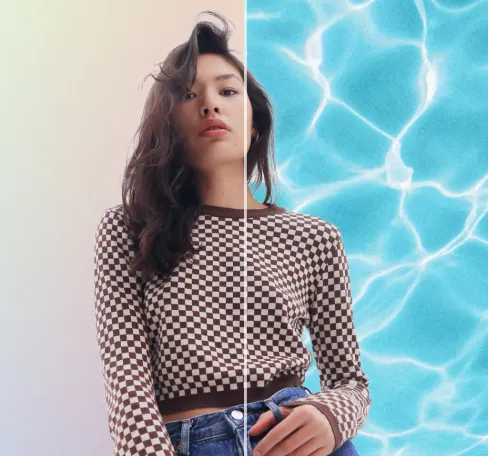
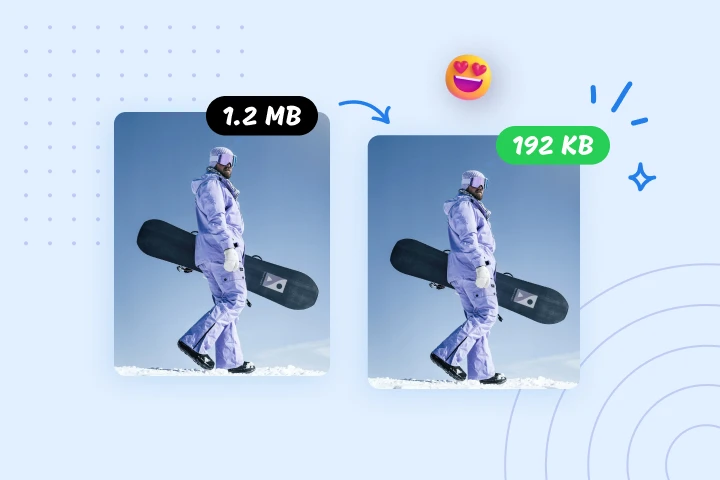
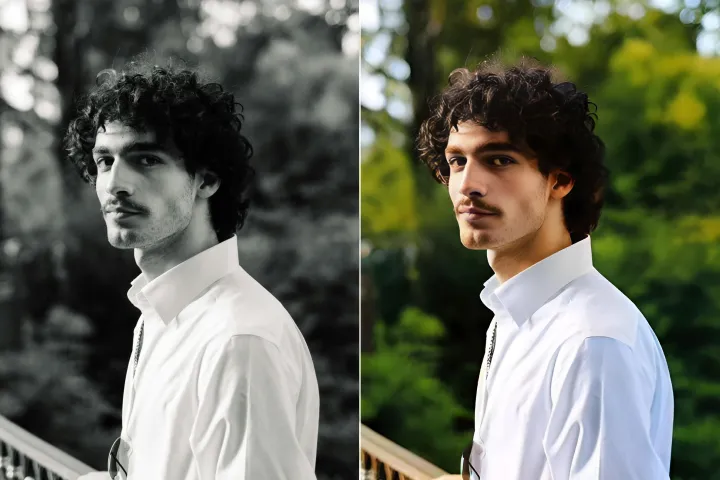
Sfoca lo sfondo delle foto gratuitamente
Applica facilmente la gestione sicura dei PDF in sola lettura ai documenti con un flusso di lavoro rapido e affidabile.
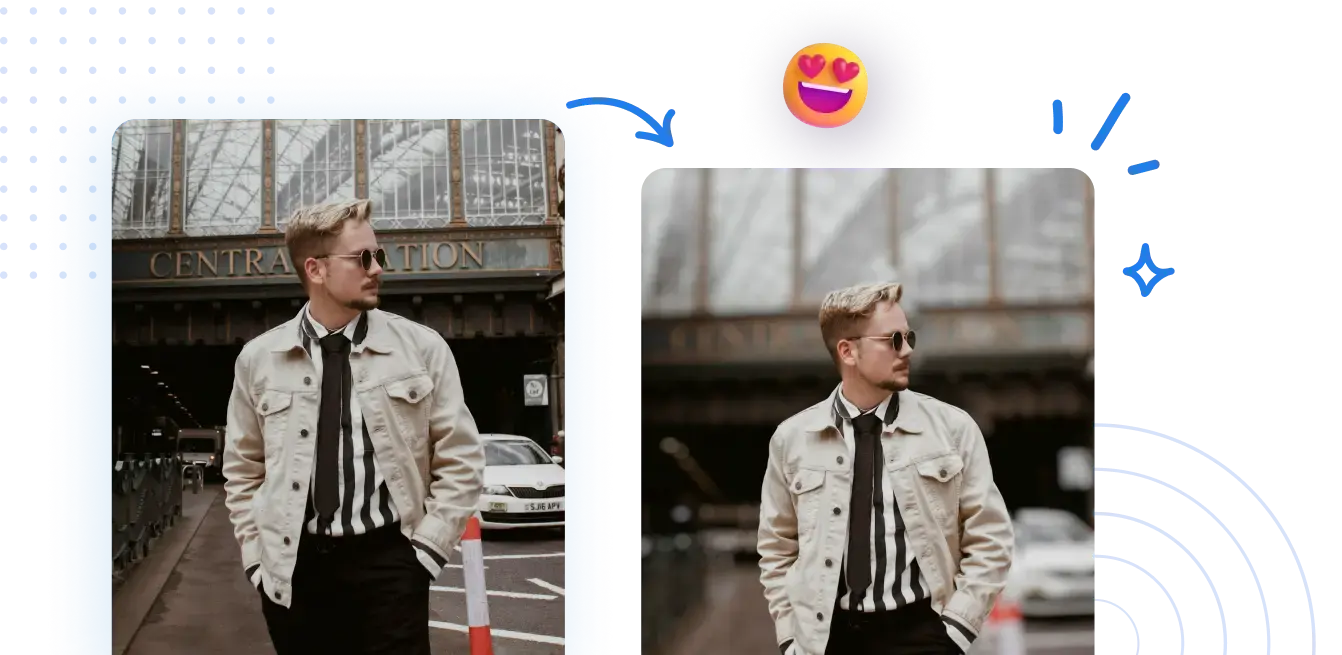
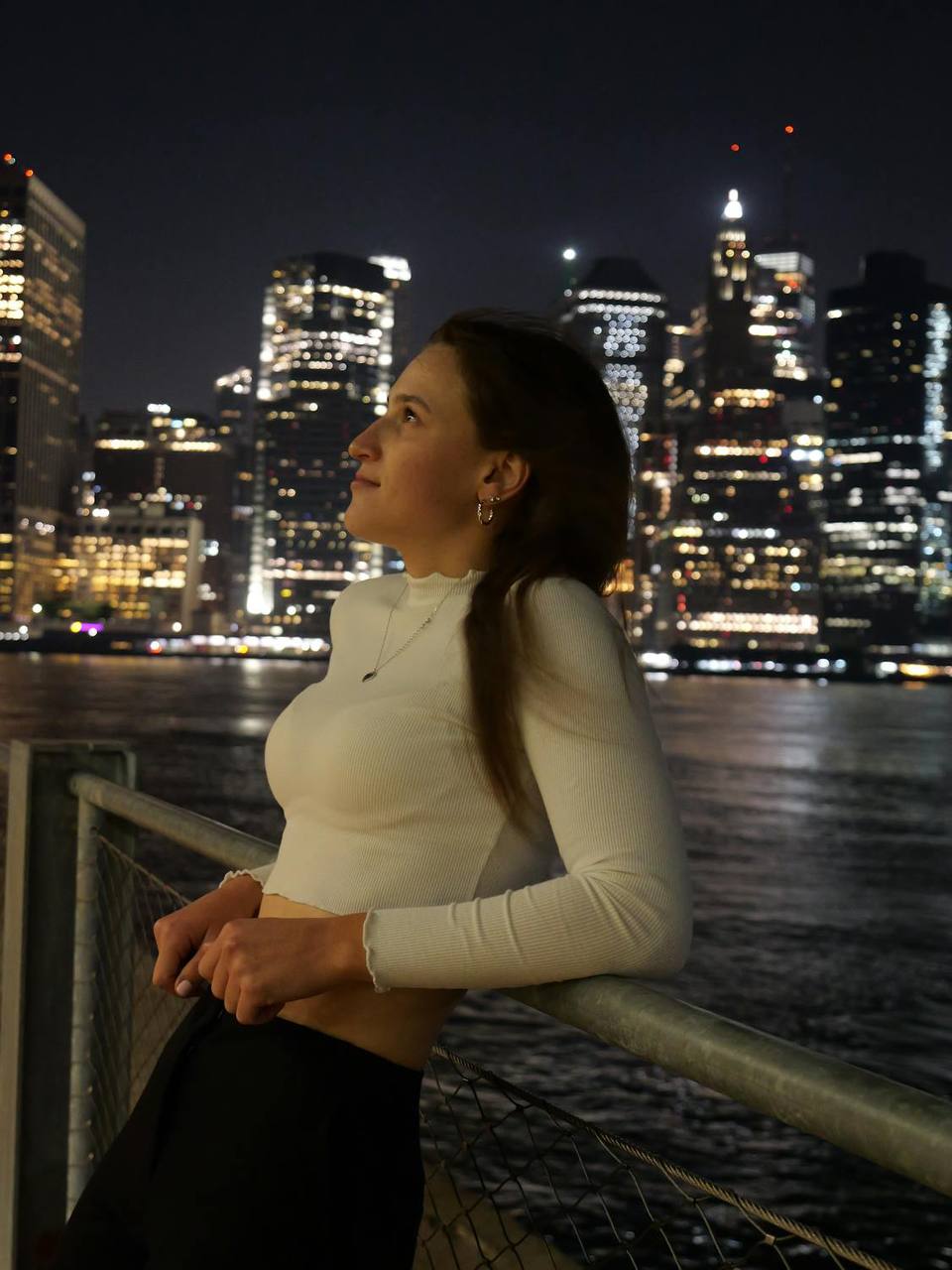



Come abilitare la gestione PDF in sola lettura online
Flusso di lavoro sicuro e snello: nessuna impostazione complessa necessaria. Ottieni sfondi sfocati dall'aspetto professionale con pochi clic, proteggendo l'integrità del contenuto tramite la gestione PDF in sola lettura durante l'esportazione degli asset finali.
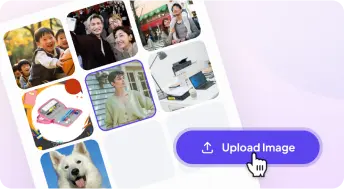
1 Carica una foto
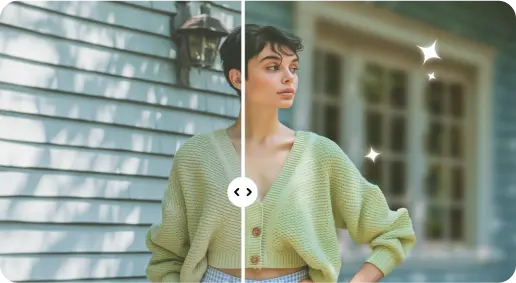
2 Sfoca lo sfondo con effetti basati sull'IA
3 Salva la nuova foto
Edge-Perfetto Strumento di sfocatura dello sfondo
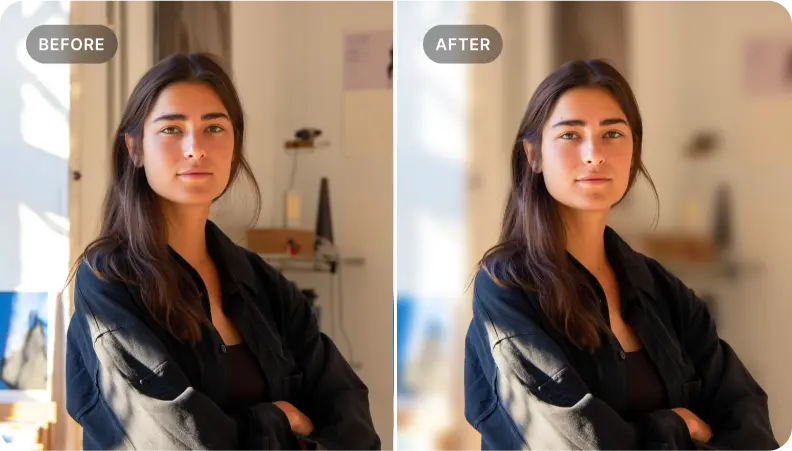
Aggiungi profondità alle foto del ritratto
Flusso di lavoro protetto per l'editing: usa lo strumento di sfocatura dello sfondo per aggiungere profondità mantenendo l'identità e garantire che il file possa essere distribuito come PDF in sola lettura senza modifiche indesiderate.
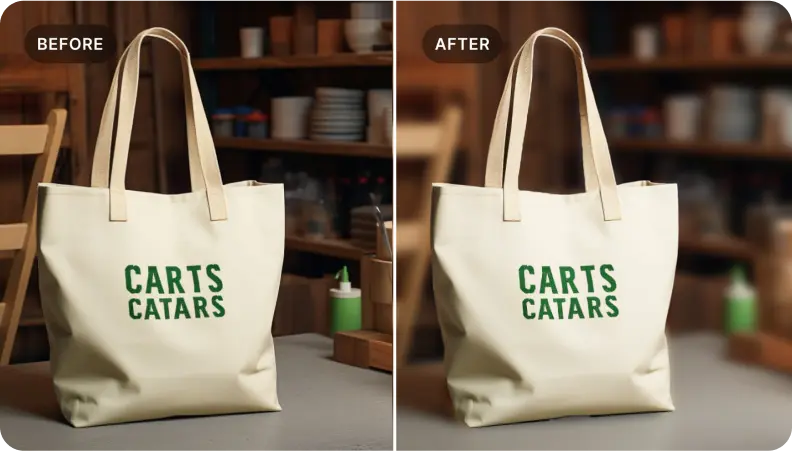
Metti in risalto i prodotti nelle foto di e-commerce
Applica la sfocatura dello sfondo per evidenziare i prodotti preservando l'integrità dell'immagine per una distribuzione sicura. Metti in risalto i dettagli chiave e abilita la condivisione protetta per supportare un coinvolgimento conforme e le vendite.
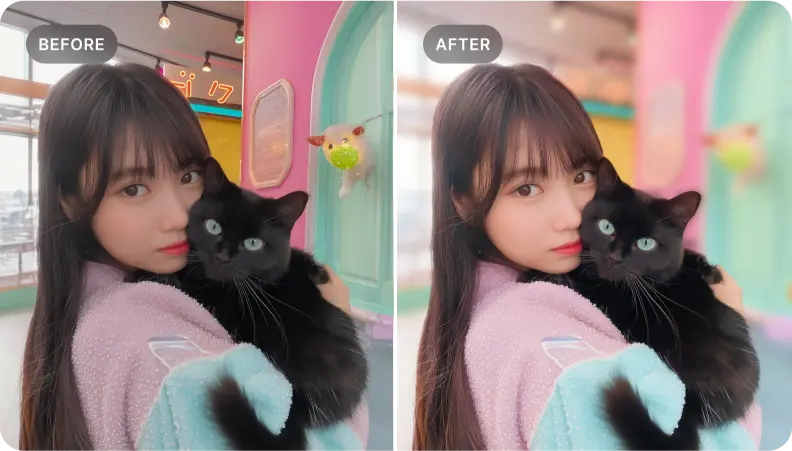
Fuoco protetto: isolare elementi specifici in una scena senza compromettere l'integrità dei dati.
Isolamento sicuro: ideale per isolare elementi chiave mantenendo l'integrità della fonte e consentendo la distribuzione in sola lettura.

Free to Try
AIPhotor is free to try for 3 days, after which you can subscribe to one of our incredible value plans.

Free to Try
We automatically sharpen and transform your images with AI to create multiple final looks. But you can also adjust and add a prompt to customize the results. Choose what works best for you!

Quick & Easy
Screen, edit, resize and download your photos lightning fast.

Compatible with all devices
AIPhotor is available on the iOS and Android stores. Our app works seamlessly across mobile, desktop, and tablet devices.
Frequently Asked Questions
-
What is AIPhotor Photo Editor?

 AIPhotor is a visual online photo editing website that leverages AI technology to help automatically remove objects/people from images; retouch, enhance, colorize, correct, cartoonize, and animate photos in a snap, replacing other photo editing tools Photoshop, Pixlr editor, or Photopea.
Or just drag & drop image here, upto 50 images at once
Or just drag & drop image here, upto 50 images at once
Frequently Asked Questions
-
What is AIPhotor Photo Editor?
AIPhotor is a visual online photo editing website that leverages AI technology to help automatically remove objects/people from images; retouch, enhance, colorize, correct, cartoonize, and animate photos in a snap, replacing other photo editing tools Photoshop, Pixlr editor, or Photopea.